1. HOW TO INSTALL THE EQUIPMENT
6
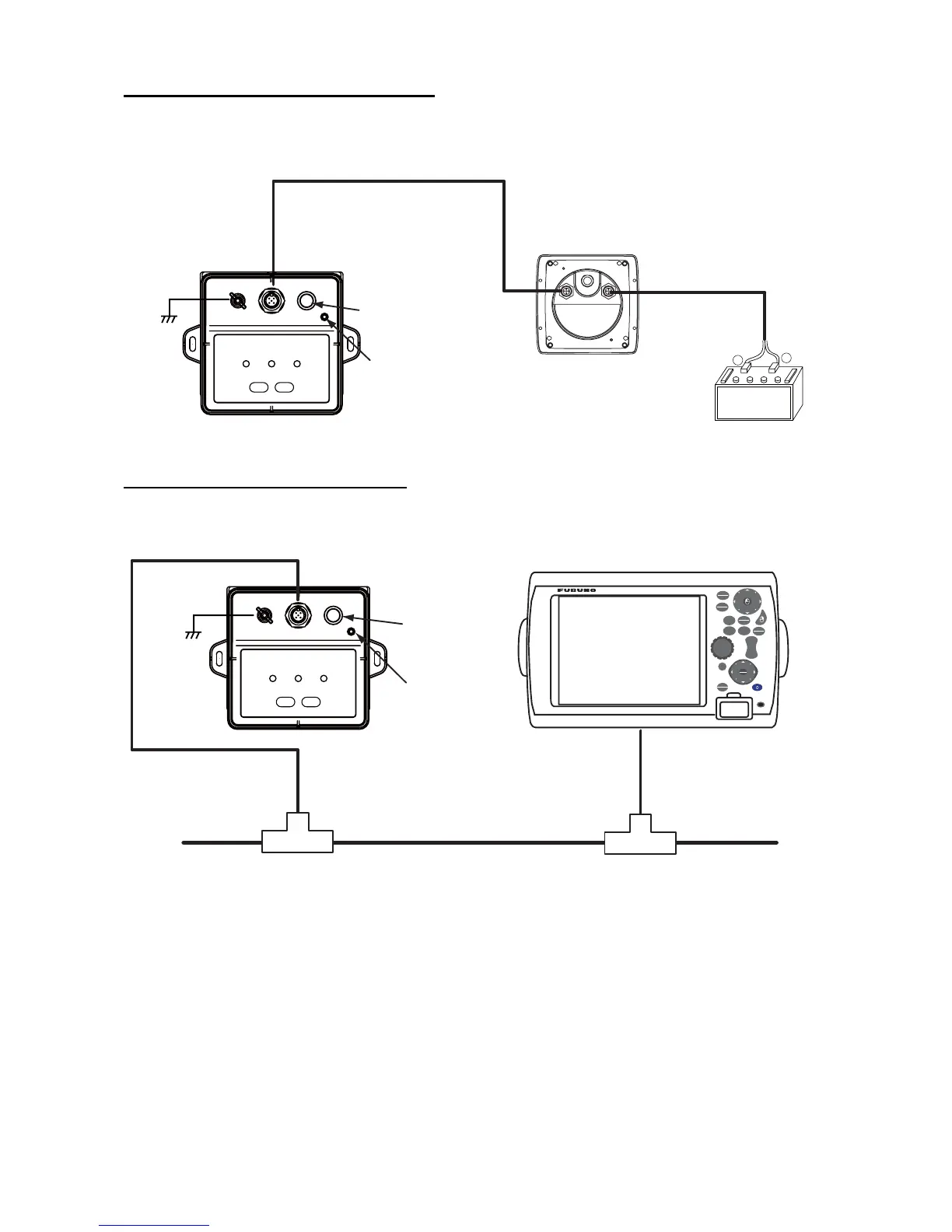
If connecting directly to the instrument
When connecting FI-502/FI-504/FI505 instruments, use supplied cable M12-05BM+05BF-060.
Do not cut the cable. Turn on the PG-700 termination switch.
If connecting to NavNet 3D network
• If connecting M12-05BM+05BF-060 as a drop cable to a T-type connector below, turn the ter-
mination switch off.
FI-50-DROP
cable (6 m)
Instrument
FI-503/504/505/506/507
(Rear view)
Red
Black
+
–
12 VDC
M12-05BM+05BF-060
(Connector at both
ends, 6 m cable)
Termination switch
ON
SENSOR
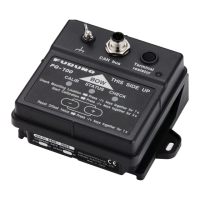
PG-700
Lamp ON
Ground
wire
GO TO
LIST
DATA
VOL
C
U
R
S
O
R
POINTS
ROUTE
GAIN
TX
SHIP
3D
S
C
R
O
L
L
I
N
G
CTRL
SAVE
MOB
OUT
IN
RANGE
MENU
DISP
CANCEL
Termination
switch OFF
Lamp OFF
Ground
wire
M12-05BM+05BF-060
(connector at both ends,
6 m cable)
Example: NavNet 3D
T-type connector T-type connector


 To Next Page