automatically switches off the lamp.
4. "Lo.HI"- low/high speed of the fan operating
The fan keeps the adjusted low speed until the temperature exceeds max. inside temp. of the fixture, then
the MH-640 automatically switches from low to high the fan speed.
Control Board
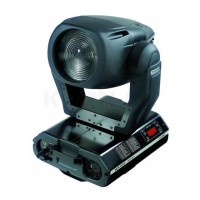
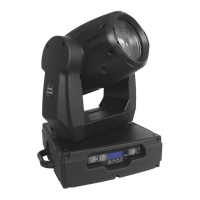
The Control Board situated on the top side of the MH-640 offers several features. You can simply set the
lighting address, read the number of lamp or unit hours, switch on and off the lamp, run demonstration
sequences, make a reset and also use special functions for manual control and service purposes.
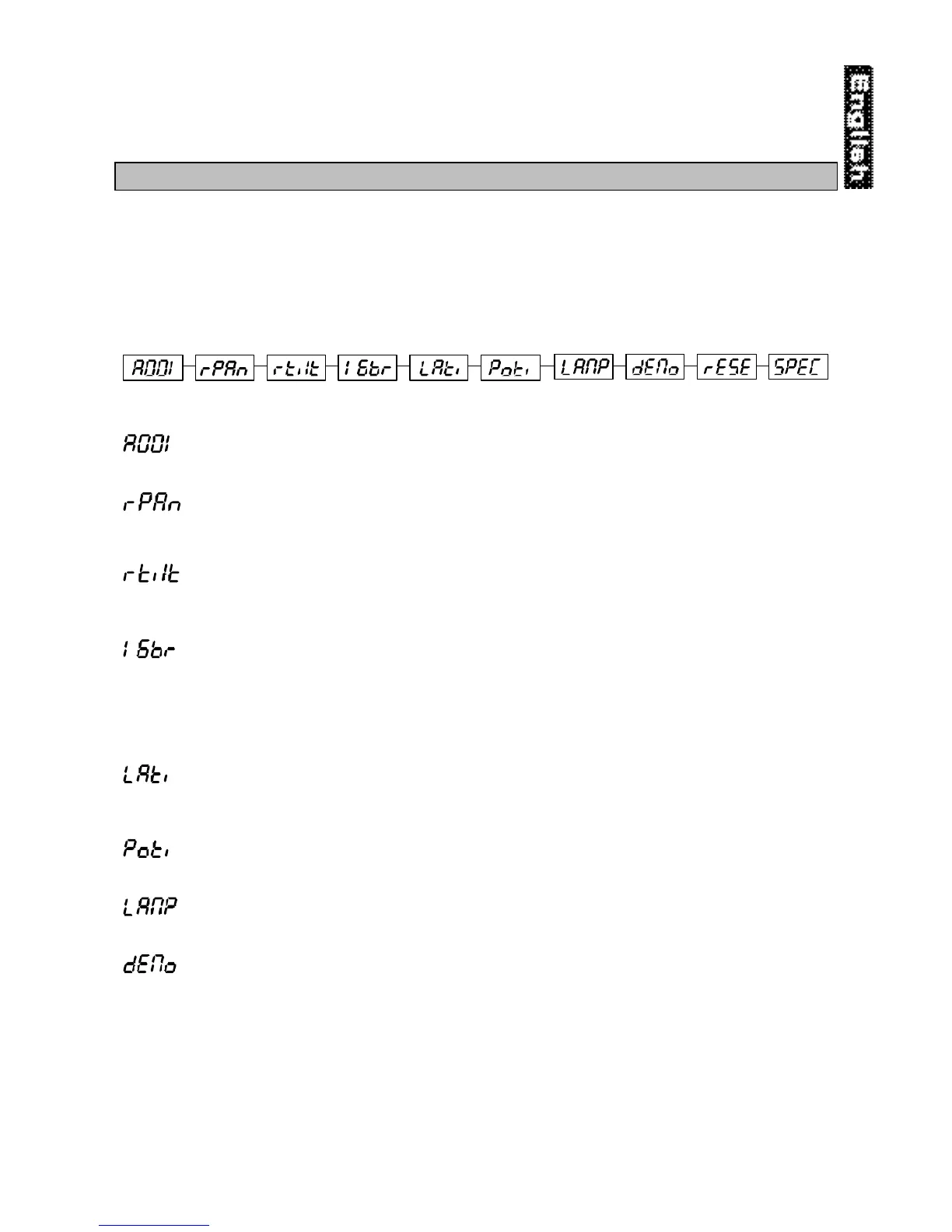
The main menu is accessed by pressing the [Mode] key - press this one so many times until the display
shows message "A001" (with actually stored address). Browse through the menu by the pressing [Up] and
[Down] keys - the display shows step by step these messages: A001, rPAn, rTilt, 16br, Lati, Poti, LAMP,
dEMo, rESE, SPEC. Press [Enter] if you wish to select one of them. The functions provided are described in
the following sections and the function hierarchy is shown below.
Main functions
- DMX 512 Address settings
The letter "A" flashes. Use the [Up] and [down] keys to select required address (001 - 496) and press
[Enter] to confirm or [Mode] to cancel and return to the main menu.
- Pan reverse
This function allows you to invert the Pan-movement. Use the [Up] and [Down] keys to select "On" if you
wish this feature or "Off" if you don’t wish this feature and press [Enter] to confirm or [Mode] to cancel and
return to the main menu.
- Tilt reverse
This function allows you to invert the Tilt-movement. Use the [Up] and [Down] keys to select "On" if you
wish this feature or "Off" if you don’t wish this feature and press [Enter] to confirm or [Mode] to cancel and
return to the main menu.
- Movement resolution
By this function you can adjust the desired movement resolution 8 or 16 bit. Use the [Up] and [Down] keys to
select ‘On’ if you wish the 16bit high resolution or "Off" if you wish only 8 bit resolution and press [Enter] to
confirm or [Mode] to cancel and return to the main menu.
Note:
If you adjust the 16 bit resolution the fixture will occupy 16 DMX channels, if you adjust the 8 bit resolution,
the fixture will be operated by only 14 DMX channels. Please, check the DMX protocol.
- Lamp On time
This option enables you to read the total number of hours that the lamp has been powered on. Press [Enter]
or [Mode] to return to the main menu. In order to reset the counter to 0, you have to hold the Up- and Down-
button and press the Enter-button.
- Power On time
By this option you can read the total number of hours that the MH-640 has been powered on. Press [Enter]
or [Mode] to return to the main menu.
- Switch on / off the lamp
Use the [Up] and [Down] keys to select "On" if you wish the switch on the lamp or "Off" if you wish switch
off the lamp and press [Enter] to confirm or [Mode] to cancel and return to the main menu.
- Demo sequences
This function allows you to run a special demo-test sequences without an external controller, which will show
you some possibilities of using MH-640. Press [Up] and [Down] keys to select the "Mod1" or "Mod2"
sequences. The "Mod1" is suitable for projections on the wall, ceilling or ground without any head-
movement, the "Mod2" uses all MH-640 functions and therefore is good for a complete introduction of the
fixture.


 To Next Page