- 17 -
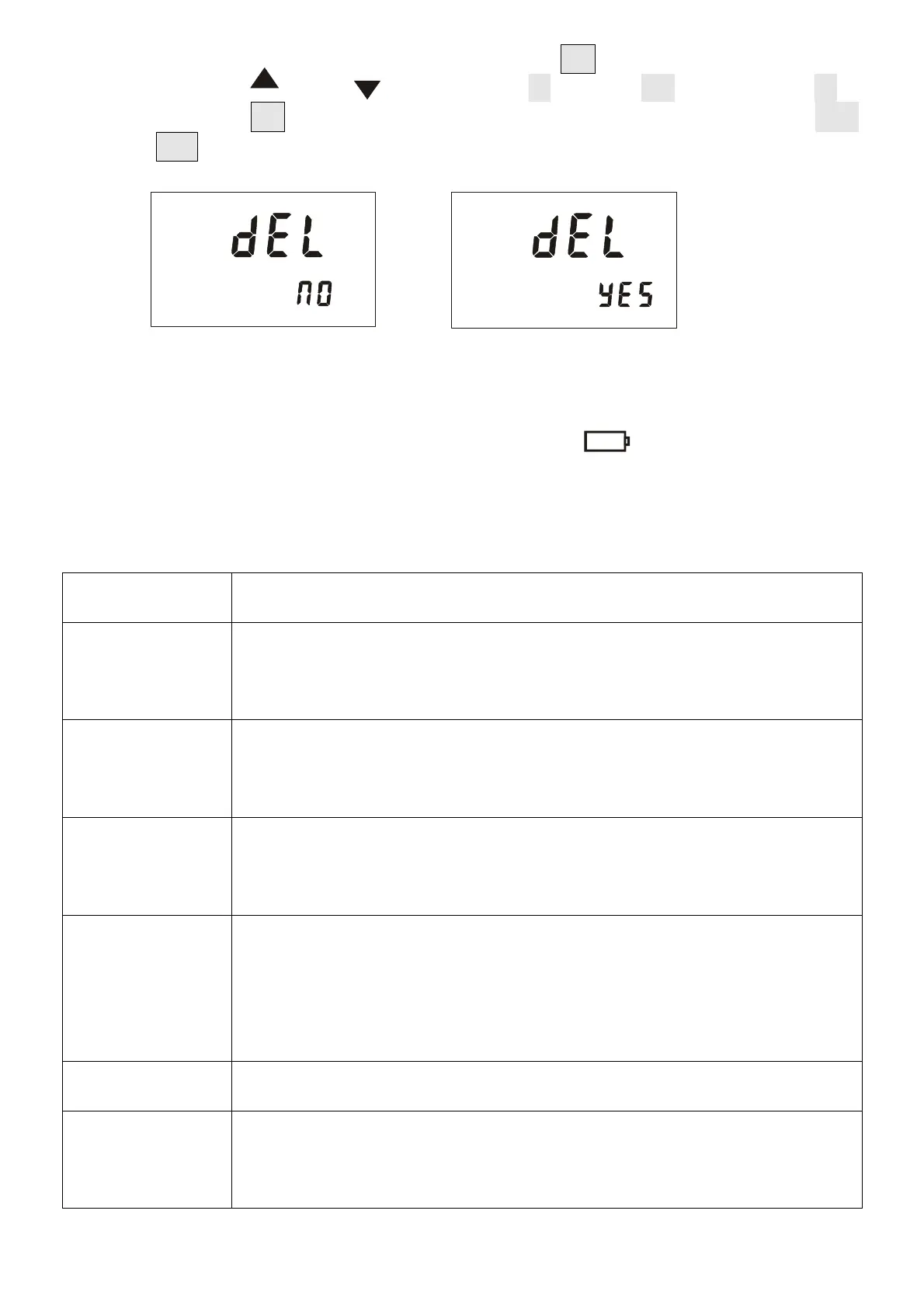
In the data review state, press and hold the “MEM ” key to enter the data
deletion, press “ ” or “ ” to select “NO ” or “YES ”, select “NO ”
and then press “SET ” key to not return to the data review state. " YES
" Press " SET " again to delete the stored data. After deletion, the following
figure is displayed.
VIII. Battery Description
The instrument is powered by a 12V battery, when the battery power is reduced,
when the voltage drops to 10V, the battery symbol " " is displayed. Please
replace the battery in time. Low voltage affects the measurement accuracy.
IX. Accessories
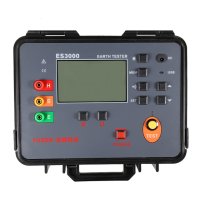
Instrument
1PC
High pressure
rod
1PC red
High voltage
test line
2PCS(black,green each 1)
Monitoring
Software CD
1PC
USB
communication
lineUSB
1PC
charger
1PC
Manual,
certificate
1SET


 To Next Page