28
9.4 BASE SETTINGS:
Attention:
Some settings require the input of a PIN code. The code set upon leaving
the factory is 0000.
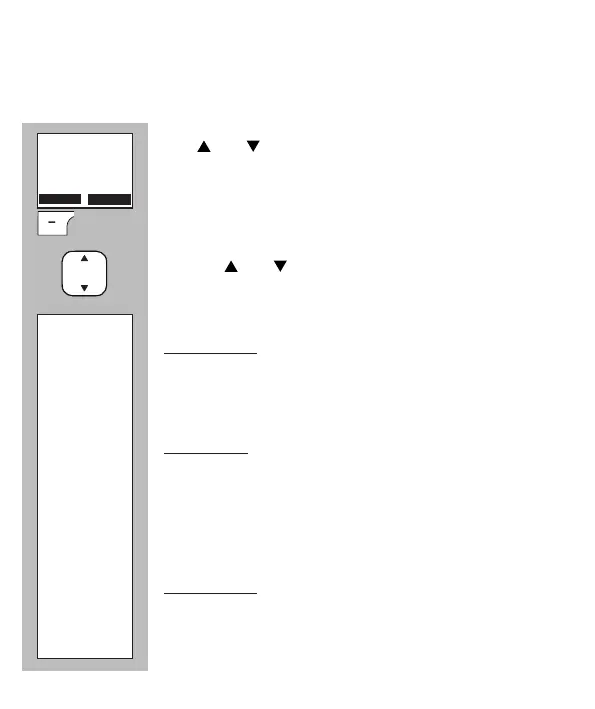
Use and to scroll to the [ Handset ] option.
Press the OK soft button
Use the and buttons to choose from the following
settings:
Ring Priority: when multiple handsets are connected with
the base, you may have the one handset start ringing
earlier than the other handset upon receiving an incom-
ing call
Flash Time: allows you to set the interruption duration
of the ash pulse (see also paragraph 3.8). Refer to
your telephone company of the supplier of your home or
oce switchboard for the most suitable interruption du-
ration. In the Benelux the standard ash time is 100mS,
the same time as already set in the factory.
ECO Range: allows you to set the power of the transmit-
ter. For use in a large building select Max. range, for use
in a small building select Min. range.
Ring Priority
ECO Range
Flash Time
Handset
OK



 To Next Page