9
3.5 INQUIRY:
During a phone conversation you may disable the microphone allowing you
to consult with family members without the person on the line listening in.
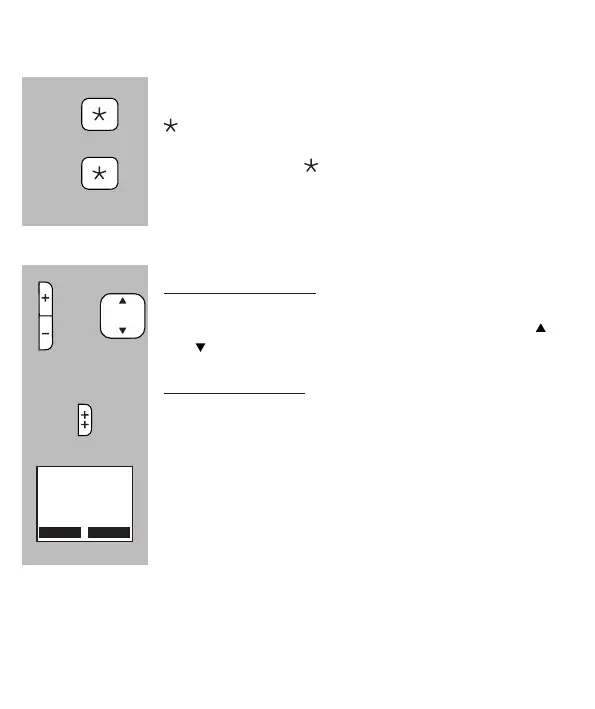
During a phone conversation, press and hold the
button for 2 seconds to disable the microphone;
Press and hold the button again for 2 seconds to en-
able the microphone
3.6 RECEPTION VOLUME:
Normal amplication:
During a conversation, use the + and - buttons to adjust
the reception volume; for this you may also use the
and buttons in the middle of the handset
Boost amplication:
During a conversation, press the ++ button on the right
side of the handset to enable the extra boost amplica-
tion
The display will show [ Boost On ]
• Volume levels for calls via the handset and via the hands-free function may be set individ-
ually
• The selected setting will be saved in the memory
• After a phone conversation, the boost amplier is automatically disabled
• The boost amplication factor is +8dB
2 sec.
2 sec.
or
Boost On



 To Next Page