8
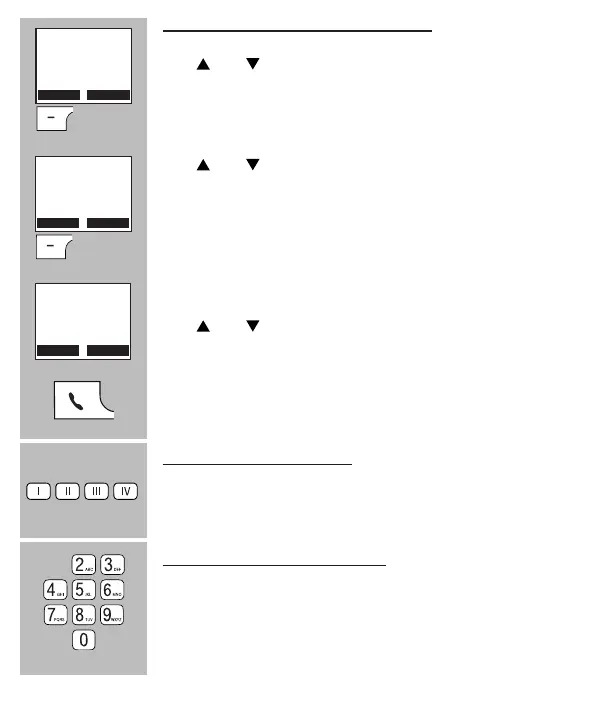
Redialling or dialling from the call list:
Use and to scroll to [ Calls ]
Press the OK soft button
Use and to scroll to [ Redial List ] and redial a num-
ber or to [ Call List ] to call a person back who has called
you before
Press the OK soft button
Use and to search for the desired number or call
Press the phone “on” button to dial the number
Direct memory dialling: (*)
Briey press one of the buttons I, II, III or IV to dial the
number
Speed dial memory dialling: (*)
Press and hold the concerned numeric button (2-0) to
dial its corresponding speed dial number
• See paragraph 7.4 or 9.2 item [ Speed Dial ] with regards to pro-
gramming the memories
Calls
Phone book
OK
Redial List
Call List
OK
0201234567
Gerard
GP



 To Next Page