7
3.4 DIALLING NUMBERS:
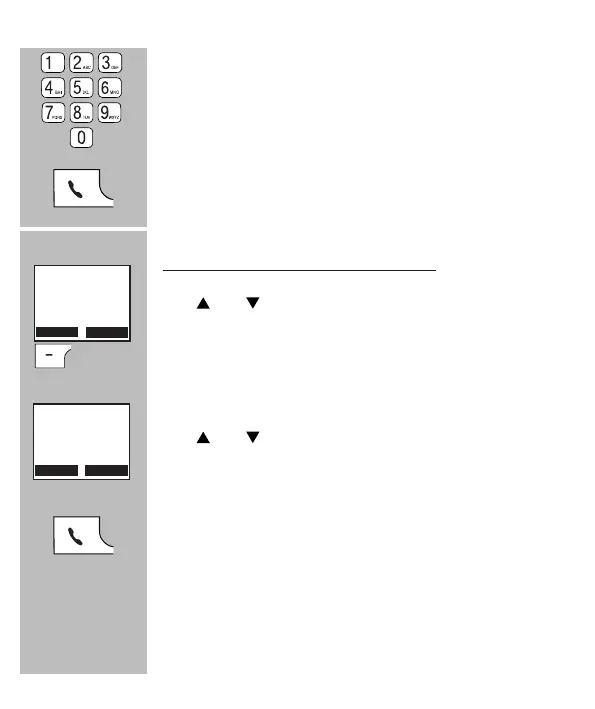
Use the keypad to enter the phone number
• Press and hold the 0 button for at least a second to insert a dial-
ling pause (the display will show a -P-)
• Press the [ CLEAR ] soft button to delete an incorrect input
Press the phone “on” button to dial the number
Dialling from the phonebook memory:
Use and to scroll to [ Phone book ]
Press the OK soft button
Use and to search for the desired person
Press the phone “on” button to dial the number
• See paragraph 7.3 with regards to programming the phonebook
memories
Calls
Phone book
OK
Barber
Rob
Karel P



 To Next Page