6
3 CALLS
3.1 RECEIVING CALLS:
Upon receiving a call the device starts ringing, the handset’s display lighting
switches on and the indicator on top of the handset starts ashing; when the
vibration function is enabled you’ll also feel the handset vibrating
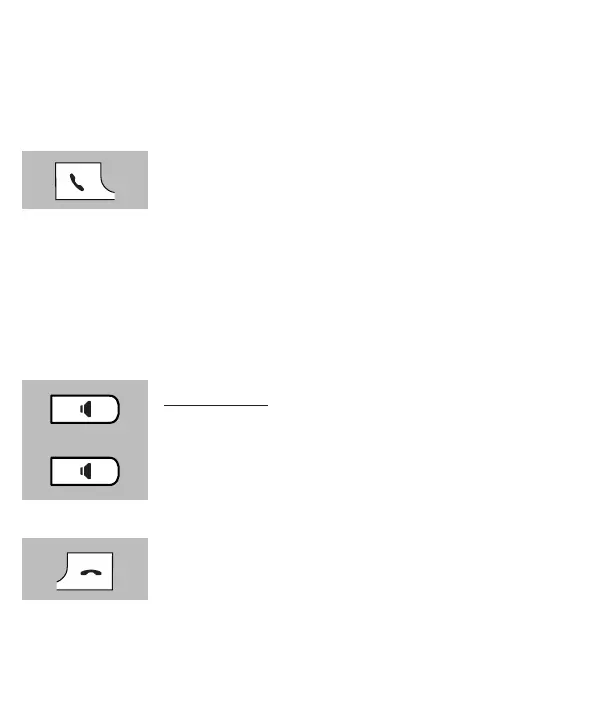
Press the phone “on” button to answer the call
• Refer to paragraph 9.3, item [ Auto answering ] to answer the call by only picking up the
receiver from the base
3.2 PHONE CONVERSATIONS USING THE RECEIVER OR SPEAKER
FUNCTION:
You may have phone conversations holding the receiver against your ear or
by using the speaker function allowing family members to listen in or to have
your hands free to e.g. make notes.
During the call, press the speaker button to enable the
speaker function
Press the speaker button again to turn the speaker func-
tion back o
3.3 TO END A CALL:
Press the phone “o” button to disconnect a call
• You may also place the handset back onto the base or cradle/charger to disconnect a call



 To Next Page