22
6.5. PLAYING MUSIC FROM ITUNES TO MULTIPLE AEROSPHÈRE SPEAKERS
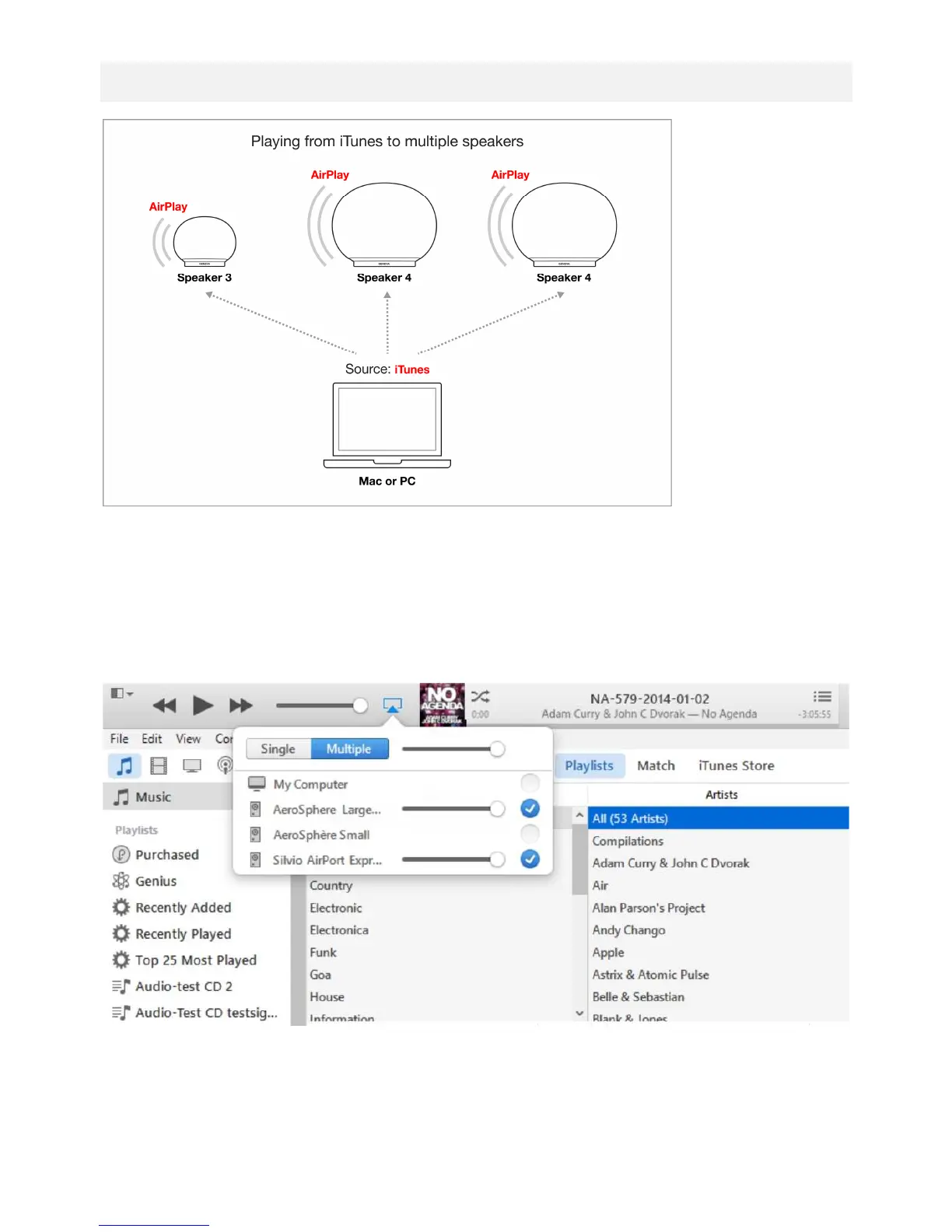
Figure 19: Playing from iTunes to multiple speakers.
Instructions
1. Repeat the steps above
2. Select the AirPlay icon, then check “Multiple”.
3. Uncheck “My Computer” and select all AeroSphère speakers.
4. Music from iTunes will now play on all connected AeroSphère speakers.
Figure 20: Selecting multiple speakers from iTunes.


 To Next Page