RIPJAWS SV710 Control Panel
2.1 Opening the Control Panel
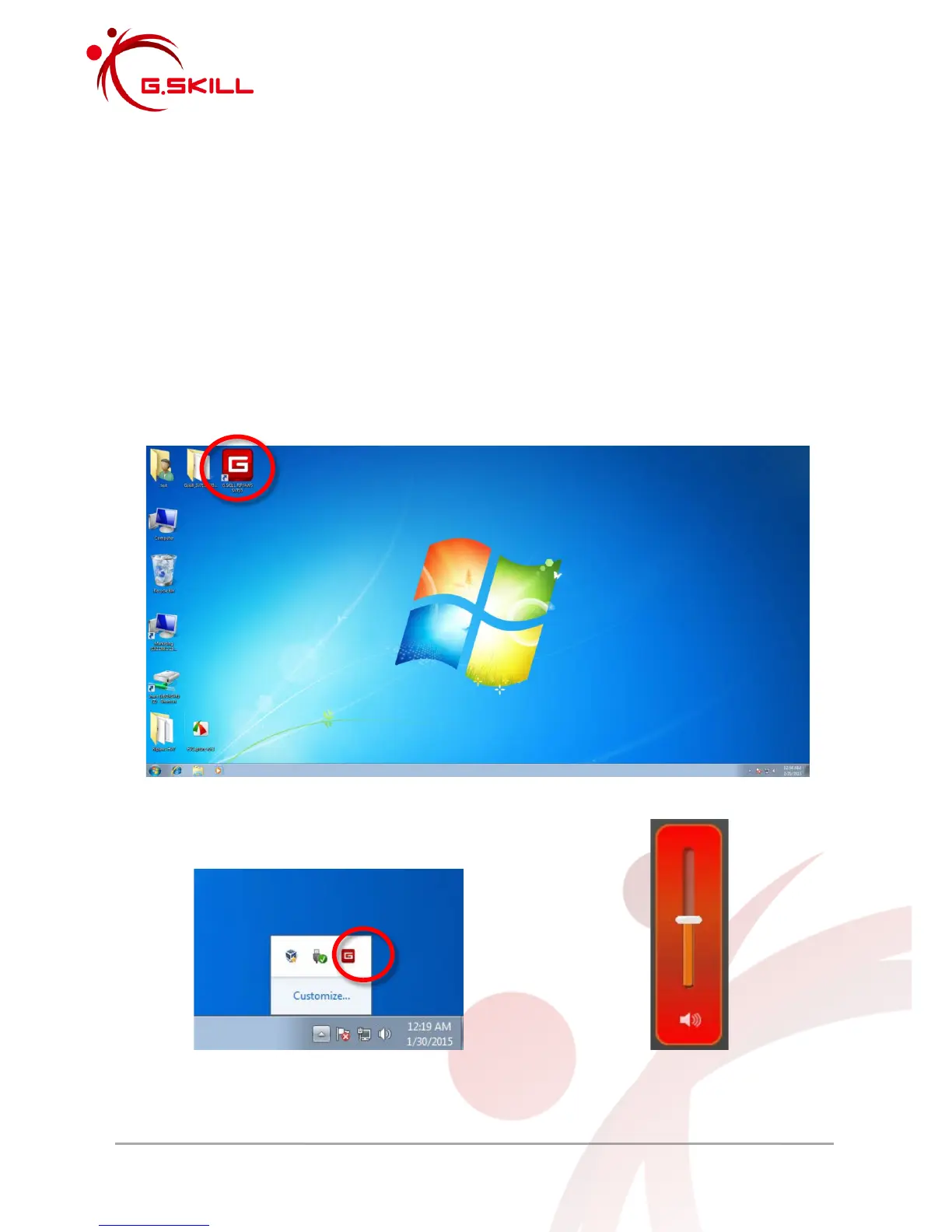
After successfully installing the G.SKILL RIPJAWS SV710 driver and software, you will find a
“G.SKILL RIPJAWS SV710” control panel shortcut icon on your desktop and a system tray
shortcut icon on the lower right.
To launch the G.SKILL RIPJAWS SV710 control panel, double click on the desktop shortcut
icon or the system tray shortcut icon.
Single click on the system tray shortcut icon to access the main volume slider.
Desktop shortcut icon
System tray shortcut icon Main volume slider



 To Next Page