1.2 Uninstallation
NOTE: Close all audio related programs before uninstalling the “G.SKILL RIPJAWS SV710”
software.
1. Windows XP:
Go to Windows Control Panel >> Add or Remove Programs
Windows 7/8/8.1:
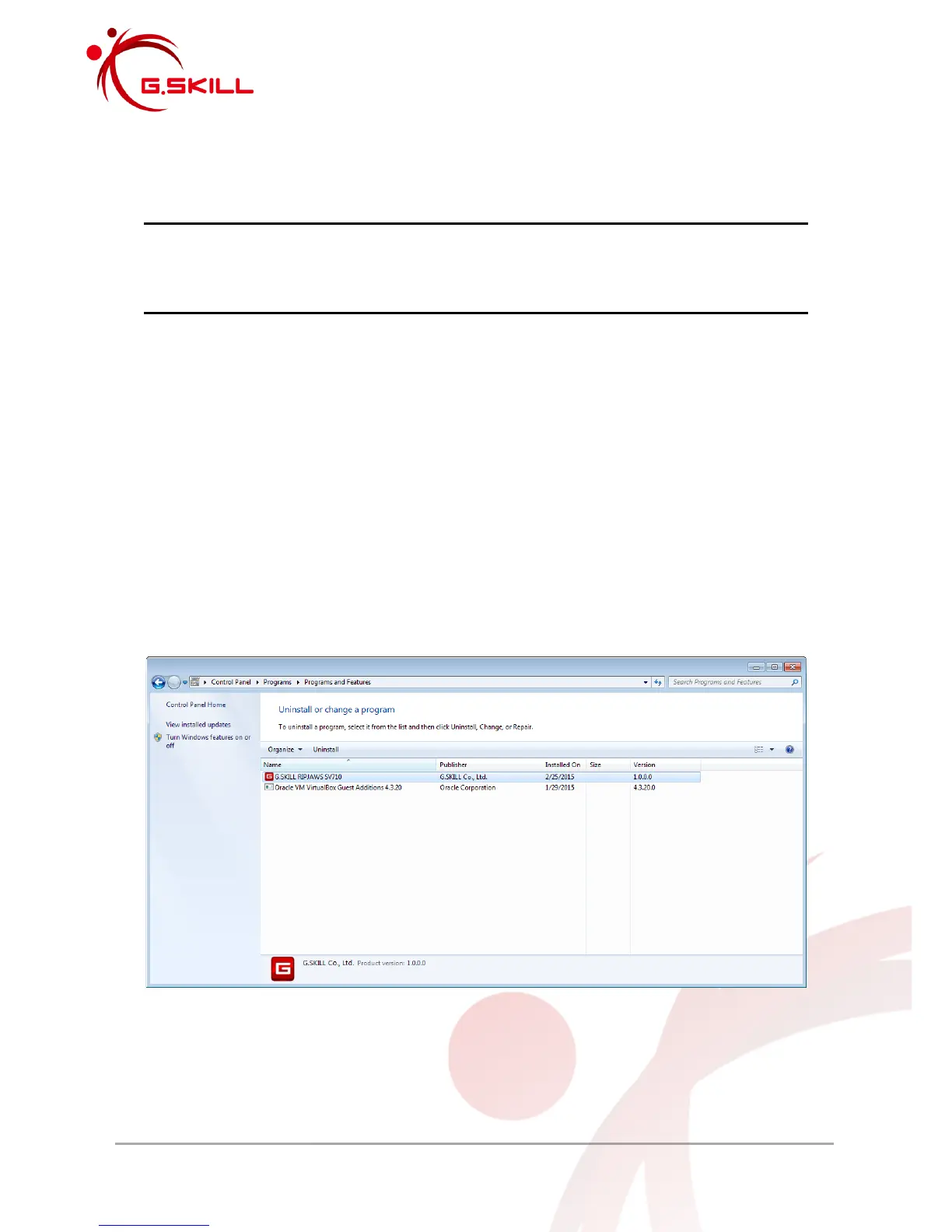
Go to Windows Control Panel >> Programs >> Programs and Features >> Uninstall a
program
Windows 10:
Go to Settings >> System >> Apps & features
2. Select “G.SKILL RIPJAWS SV710” and click “Uninstall”, or double click on “G.SKILL
RIPJAWS SV710” to begin uninstallation.



 To Next Page