Driver and Software Installation
1.1 Installation
NOTE: The G.SKILL RIPJAWS SV710 requires driver and software installation prior to use.
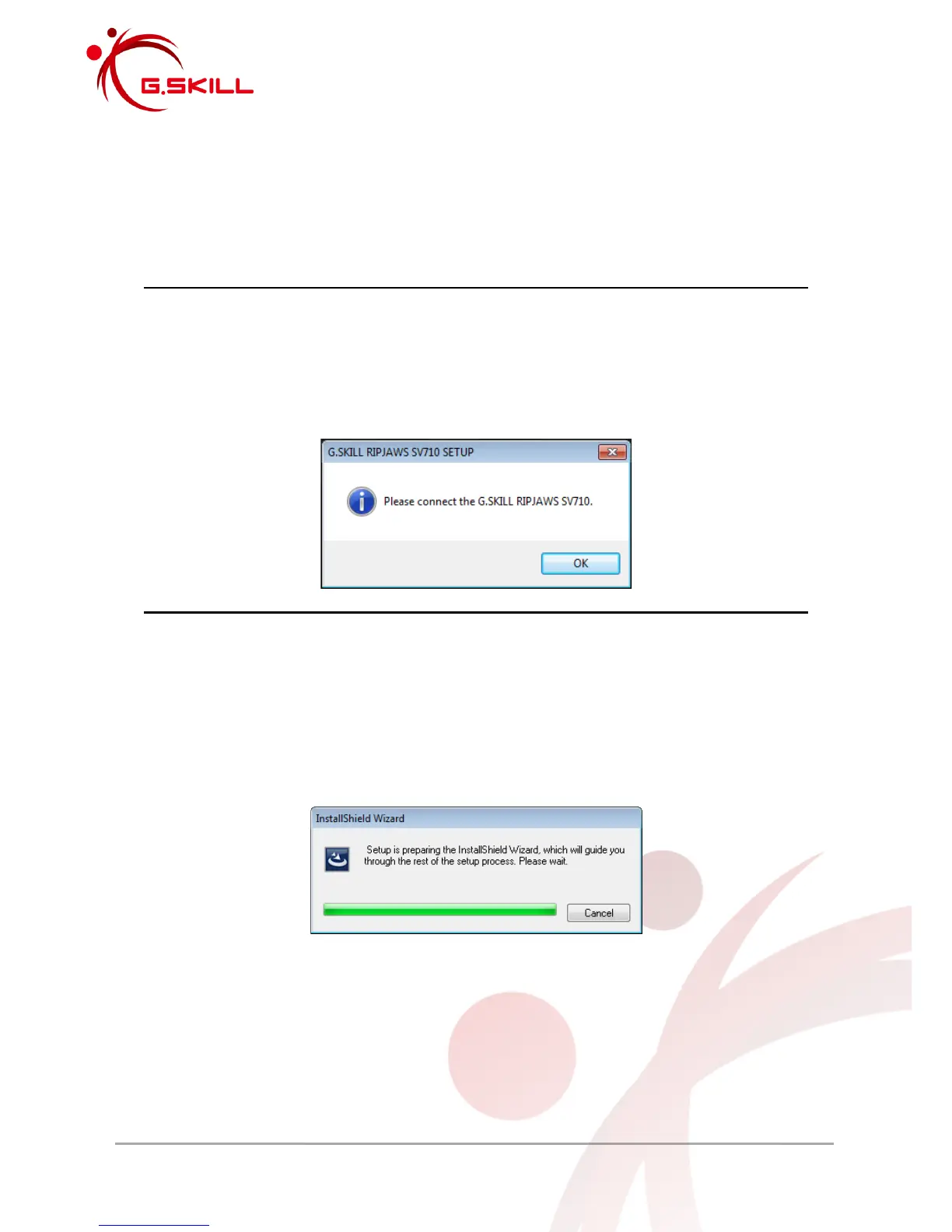
NOTE: Make sure the G.SKILL RIPJAWS SV710 headset is connected to your system in a
USB socket before installing the driver and software. Otherwise, the following error
message will be displayed.
1. Download the driver and software installer from the G.SKILL website:
http://www.gskill.com/en/
2. Double click “setup.exe” and the InstallShield Wizard will guide you through installation.



 To Next Page