G-PLAY Installation Guide
Pa
e 16
14. Navigating the G-PLAY User Interface
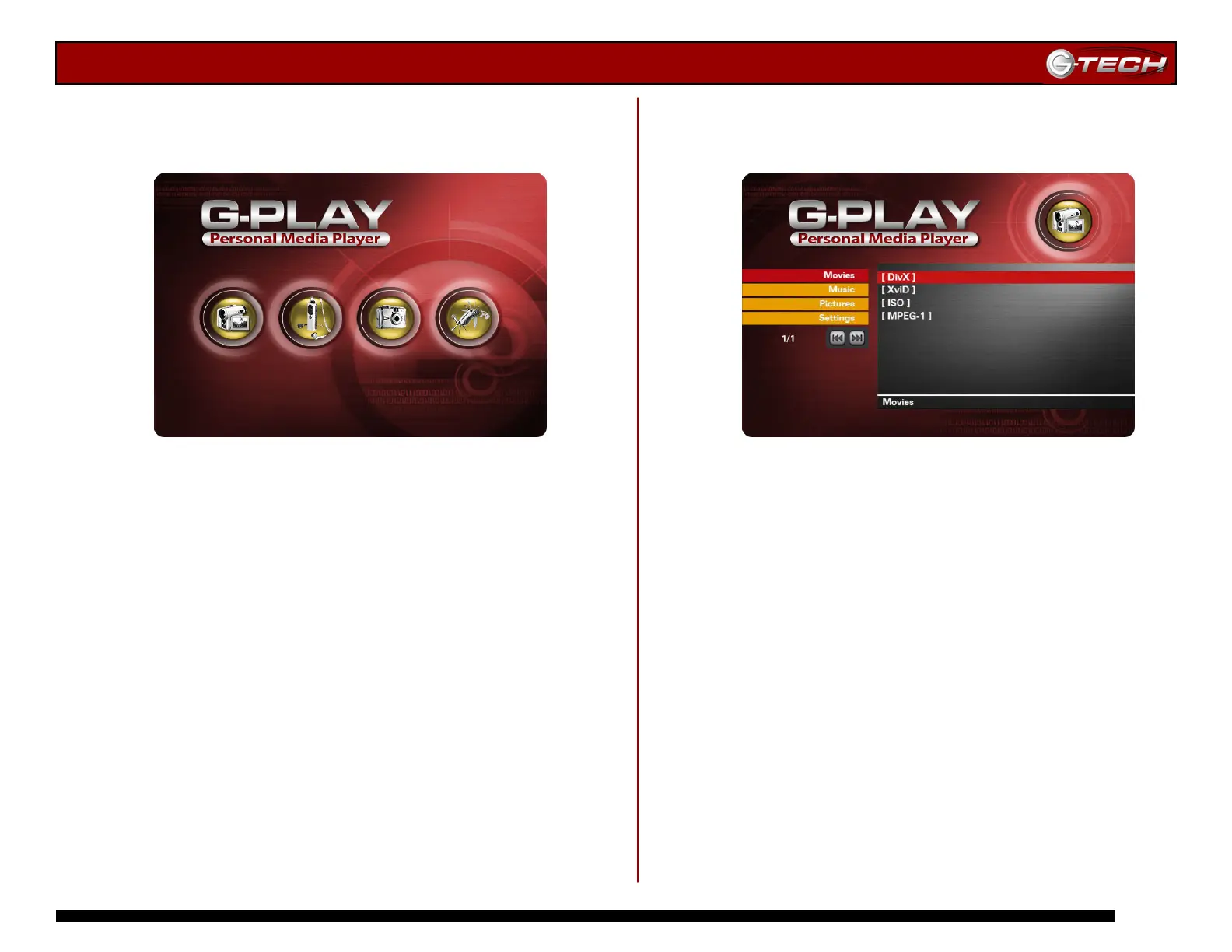
When G-Play is connected to your TV and powered on, the
main menu shown below will be displayed.
From the main menu, you can select the following
sub-menus:
• Movies
• Music
• Pictures
• Settings
You can navigate to the sub-menus by using the ▲▼
Navigation Buttons on the infrared remote control.
Highlight any sub-menu selection and then press the
Play/Enter button.
14.1 Movies Menu
This menu displays all of the movie files that you have
uploaded to G-PLAY.
Use the ▲▼ Navigation Buttons on the remote control to
select the movie you wish to play and then press Play/Enter
to confirm your choice.
Note: When viewing a DivX movie, you can position the subtitles by
pressing the Subtitle button. You can position the subtitle on the TV
screen by using the
▲▼ buttons. Press the Subtitle button again to
set the subtitle position.
Movies Pictures Music Settings














 To Next Page