G-PLAY Installation Guide
Pa
e 19
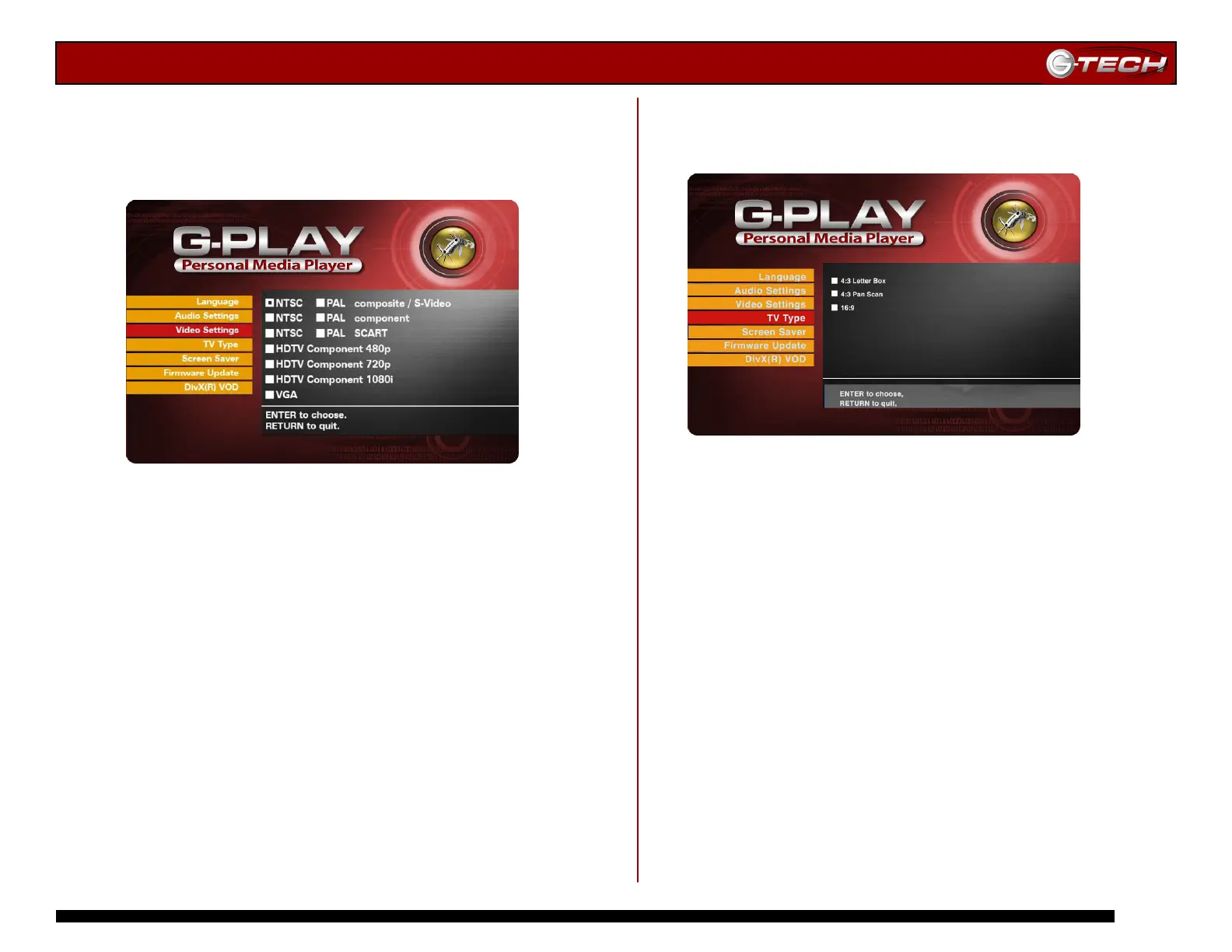
14.6 Video Settings Menu
This menu displays all of the video output settings supported
by G-PLAY. You must have the proper AV cable attached to
G-PLAY to support the various settings.
Use the ▲▼ Navigation Buttons to select the video
setting and then press Play/Enter to confirm your choice.
Press the Home button to save your changes.
Note: The NTSC settings are used primarily in the US, Canada and
Japan. The PAL settings are used primarily in European countries.
To use the HD settings, your TV/monitor must be HD Ready.
Note: You can easily toggle through the Video Output options by
pressing the Video Output button on the remote control. You must
return to the Video Settings menu to confirm the setting you want.
14.7 TV Type Menu
This menu displays the TV aspect ratios supported by
G-PLAY. Choose the appropriate setting for your TV.
Use the ▲▼ Navigation Buttons to select the TV Type and
then press Play/Enter to confirm your choice. Press the
Home button to save your changes.














 To Next Page