G-PLAY Installation Guide
Pa
e 18
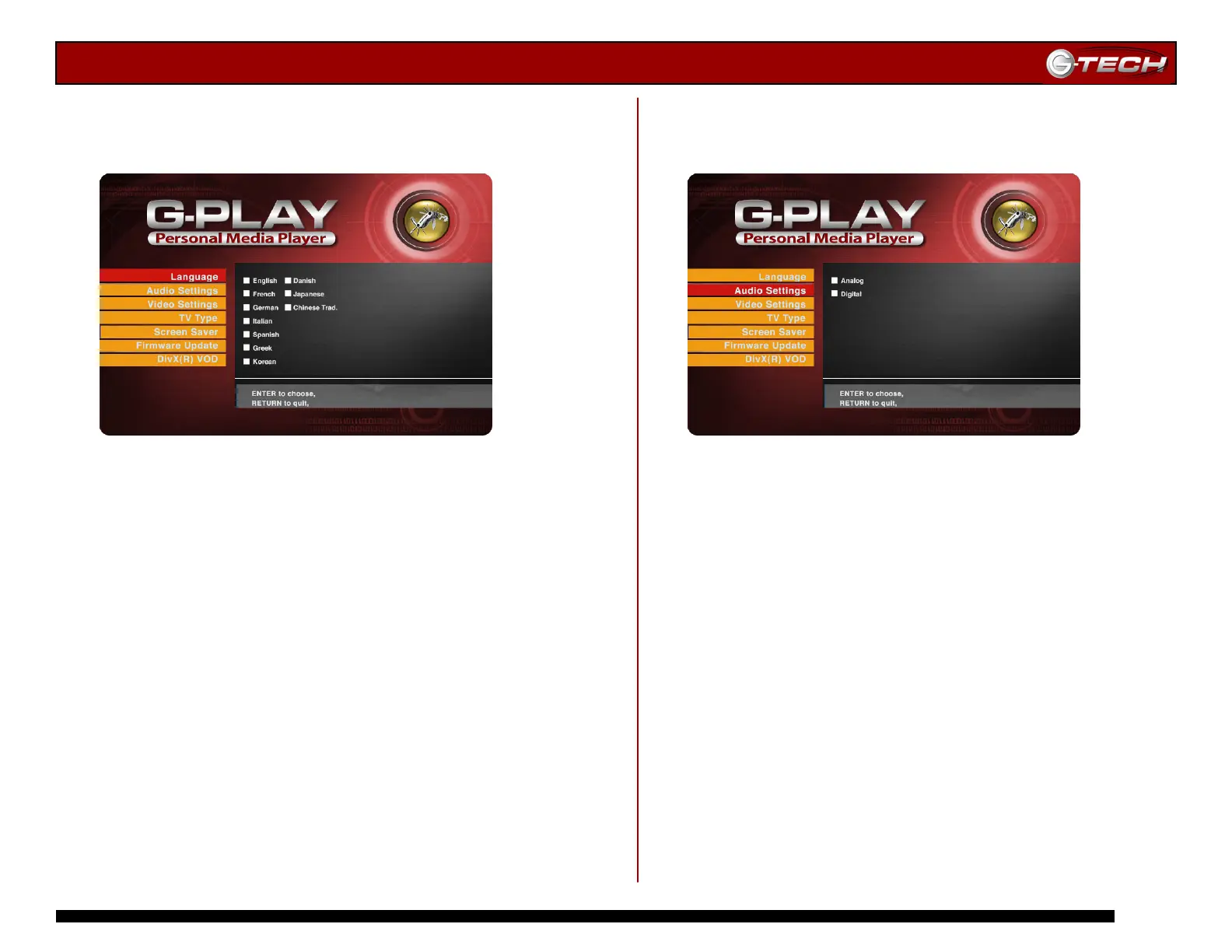
14.4 Language Settings Menu
This menu enables you to set the language for the various
G-PLAY menus.
Use the ▲▼ Navigation Buttons to select the appropriate
language and then press Play/Enter to confirm your choice.
Press the Home button to save your changes.
14.5 Audio Settings Menu
This menu enables you to set the proper audio setting for
G-PLAY.
Use the ▲▼ Navigation Buttons to select the correct
audio setting and then press Play/Enter to confirm your
choice. Press the Home button to save your changes.
Note: Select <Analog> when using RCA audio inputs. Select
<Digital> if you are using the optional SPDIF digital audio cable to
connect to a Dolby Digital or DTS Home Theater system.














 To Next Page