G-PLAY Installation Guide
Pa
e 17
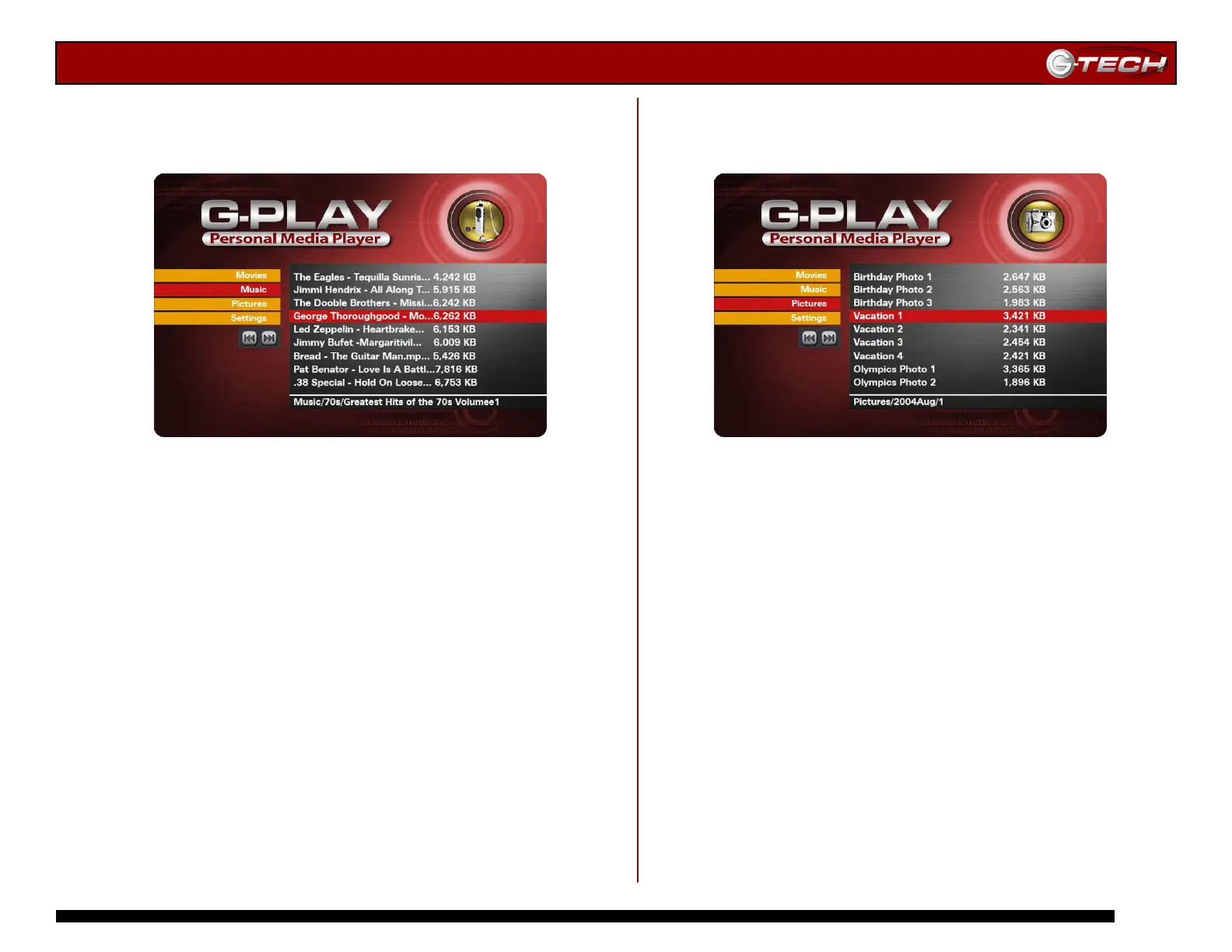
14.2 Music Menu
This menu displays all of the MP3 music files that you have
uploaded to G-PLAY.
Use the ▲▼ Navigation Buttons on the remote control to
select the music file you wish to play and then press
Play/Enter to confirm your choice.
14.3 Pictures Menu
This menu displays all of the JPEG picture files that you
have uploaded to G-PLAY.
Use the ▲▼ Navigation Buttons on the remote control to
select the image you wish to view and then press
Play/Enter to confirm your choice.
Note: You can view previews of your images by pressing the
Thumbnails button on the remote control.
Note: To view all of your files as a slide show, press the PLAY ALL
button on the remote control.














 To Next Page