p.32
Maintenance for Your Drive
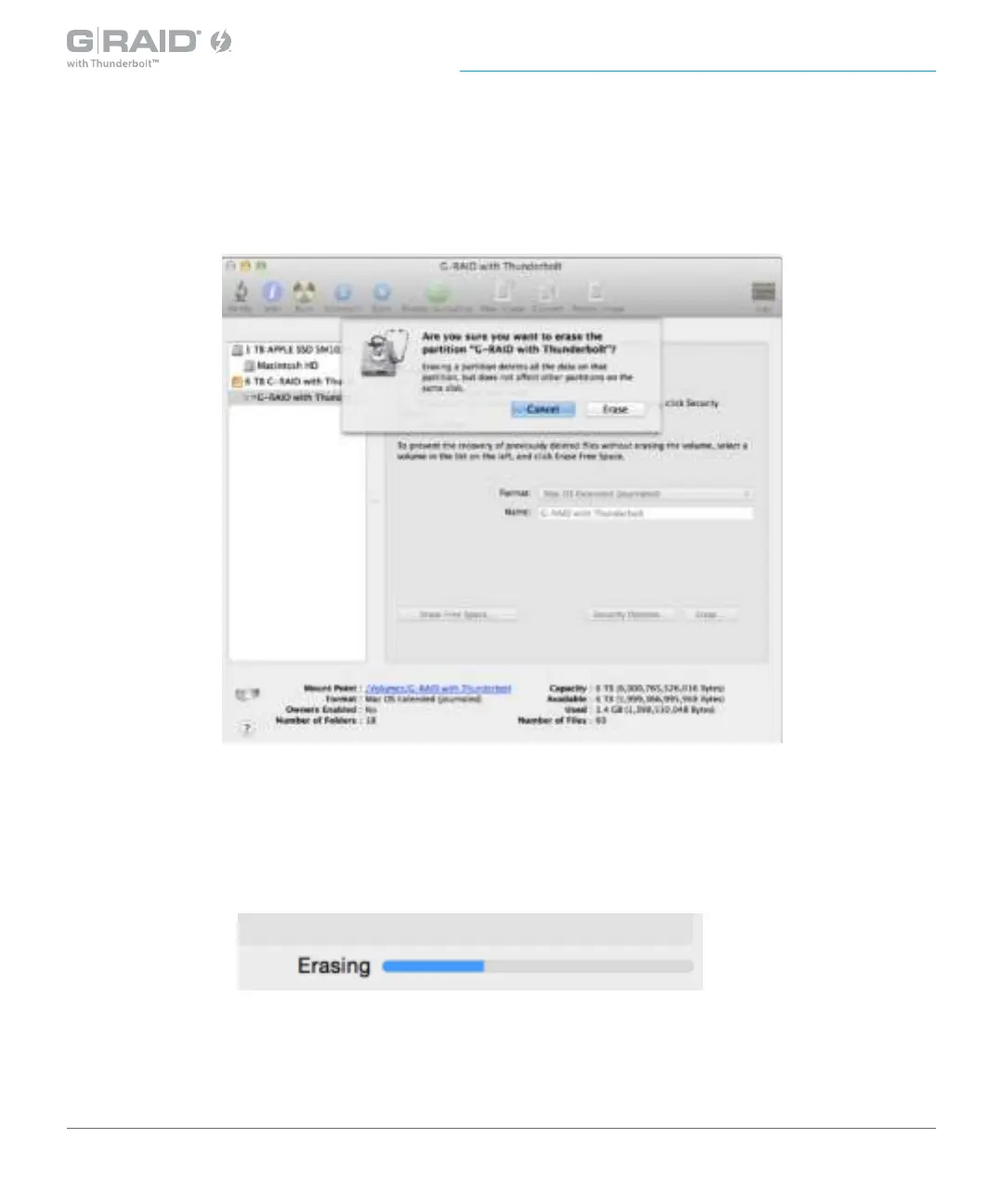
5. Click the Erase button in the lower-right corner of the window. A dialog box will appear
asking if you want to erase the G-RAID with Thunderbolt partition.
WARNING: THIS NEXT STEP WILL ERASE ALL DATA ON YOUR DRIVE.
6. Click the Erase button to continue. A progress bar in the lower-right corner of the window
will show the progress of the disk’s reformatting process.














 To Next Page