p.33
Maintenance for Your Drive
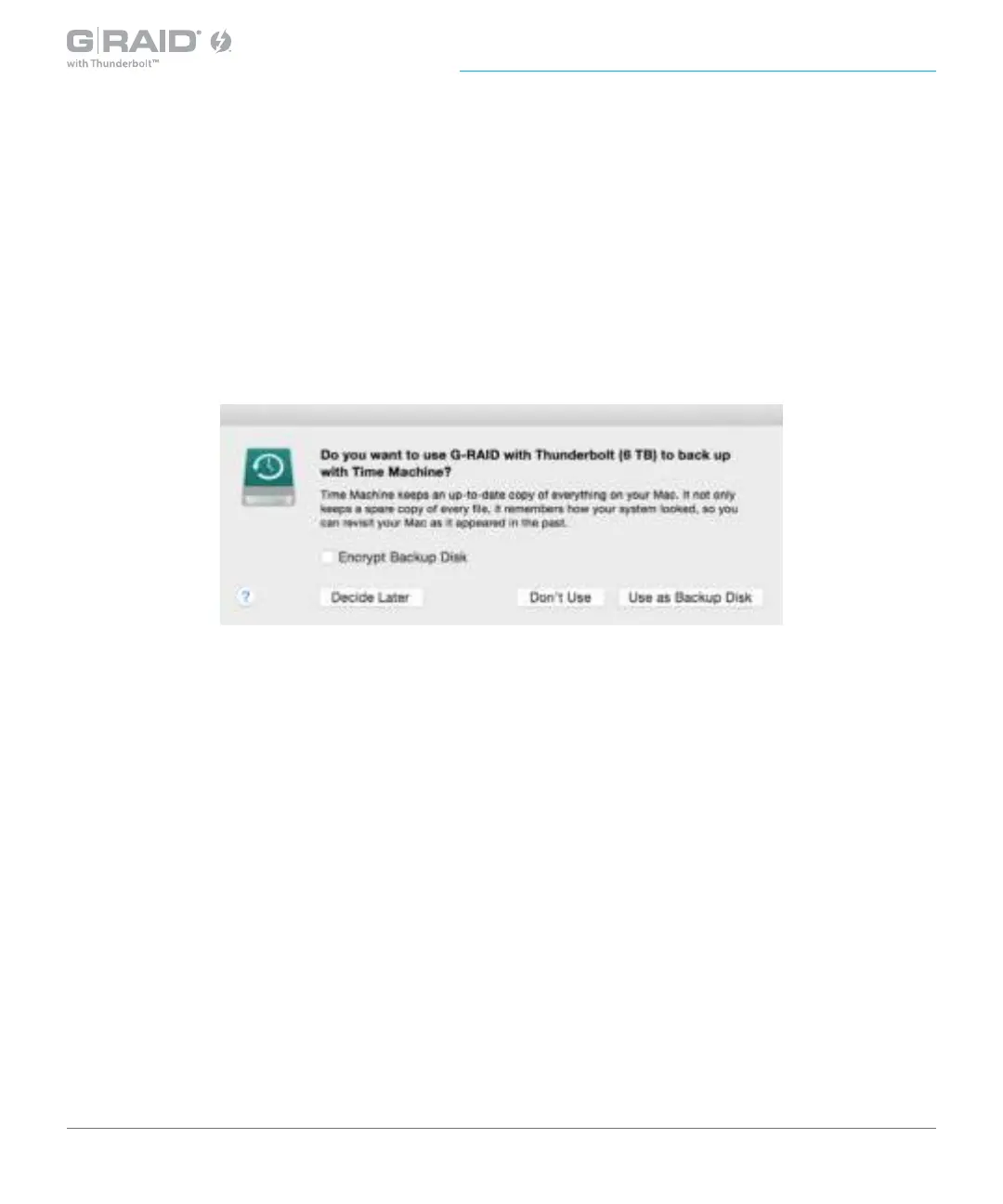
7. After the drive is re-initialized, you should automatically see the Time Machine dialog box.
• Click the Use as Backup Disk button if you want to use the drive with
Time Machine.
• Click the Don’t Use or Decide Later buttons if you do not want to use Time Machine at
this point.
8. Quit the Disk Utility program. After you reinitialize the drive, the custom icon for
G-RAID with Thunderbolt will be erased. You can optionally restore this icon with the steps
on the next page.














 To Next Page