TE MPO
FADE
FILL A FILL B
FINGERED
CHORD
FINGERED
TE MPO
FADE
FILL A FILL B
FINGERED
CHORD
FINGERED
19
FINGERED BASS CHORD
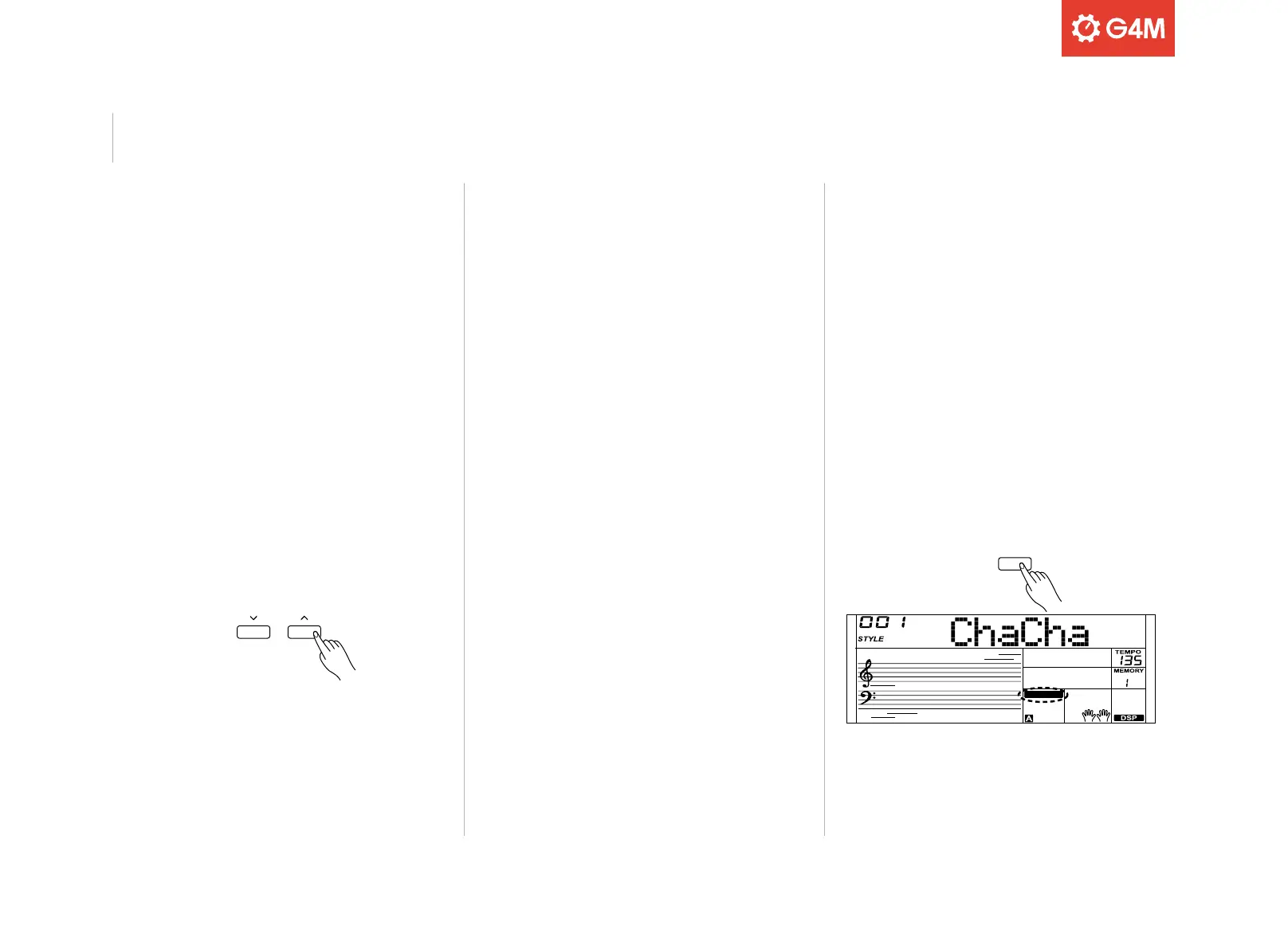
Press the [CHORD] button to enter the Fingered Bass Chord mode.
The keyboard is now split, with the left-hand section being the “chord
zone.” The FINGERED icon will show on the display. Press any key in the
chord zone to start the accompaniment.
Pressing the [CHORD] button again will enter the “full range” mode.
The FULL RANGE icon will be shown on the display, and you can play
polyphonic chords over the entire keyboard
Please refer to the function menu to change the “split point” (the split
point and all keys to the left of this will play the fingered bass chords.)
To finish playing, press [START/STOP] to stop the auto accompaniment.
TEMPO
Each rhythm style has been set with a default tempo. This can be
changed using the TEMPO [
^
]/[^] buttons as required.
Press the TEMPO [
^
]/[^] buttons simultaneously to restore the current
style’s default tempo setting.
ACCOMPANIMENT VOLUME
The accompaniment volume can be adjusted, to keep the desired
balance between style and sound volumes.
To do this, press the [FUNCTION] button repeatedly until “Accomp”
is selected. Use the [
^
]/[^] buttons to set the desired volume (0-127)
which will be shown on the display.
Auto Accompaniment



 To Next Page