8
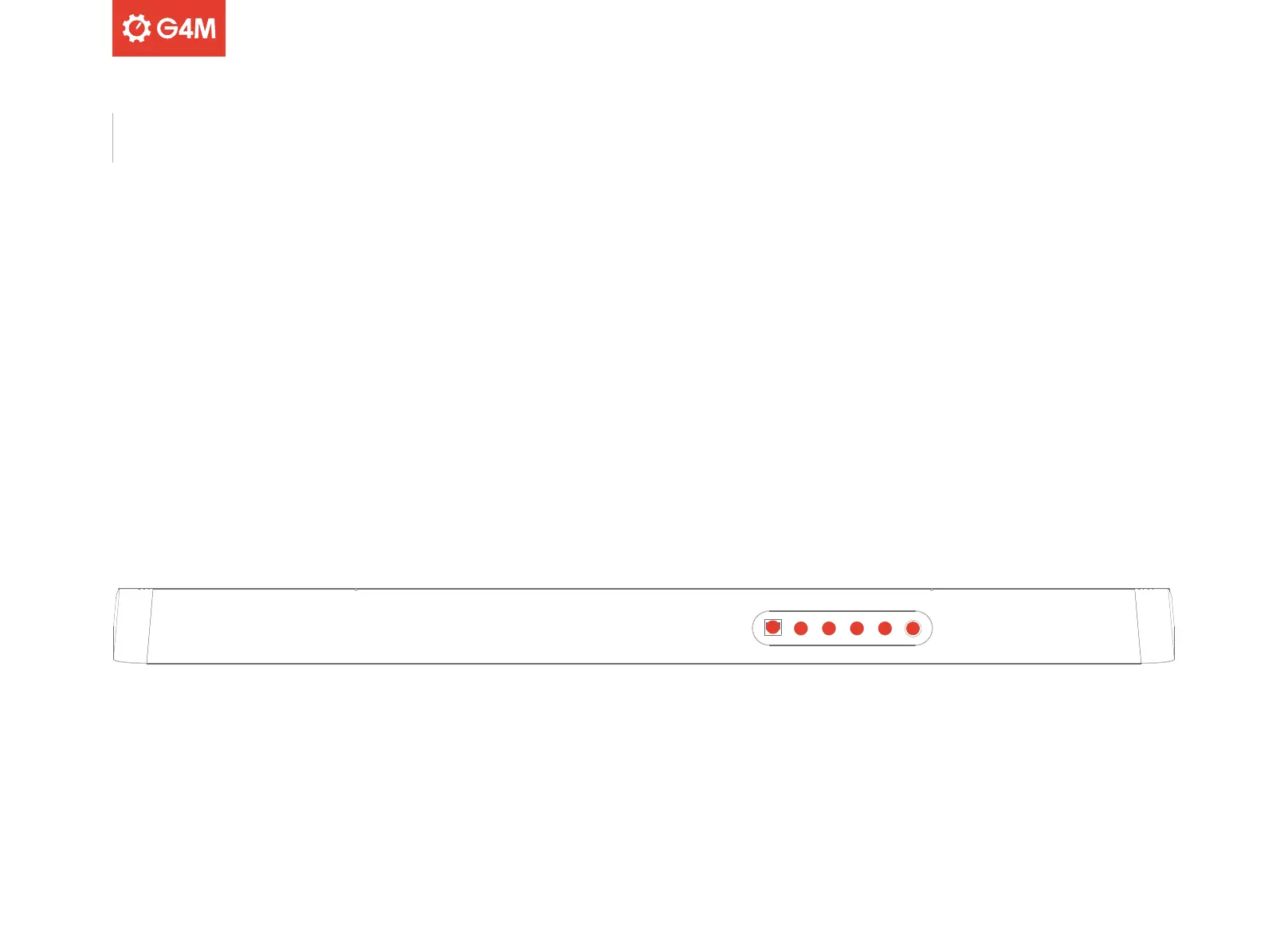
30. USB PORT
USB port used for connecting to a computer
for USB MIDI
31. SUSTAIN
1/4” jack input to connect a sustain pedal
(not supplied)
32. PHONES/OUTPUT
1/4” jack output to connect headphones or audio equipment such as
a mixer, interface or amplifier.
33. AUX INPUT
1/4” jack input to connect an external audio source, such as a
smartphone, MP3 or CD player
34. MIC INPUT
1/4” jack input to connect a microphone (not supplied)
35. DC 12V
Connect the supplied power supply
30
31
35
32 33 34
Rear Panel



 To Next Page