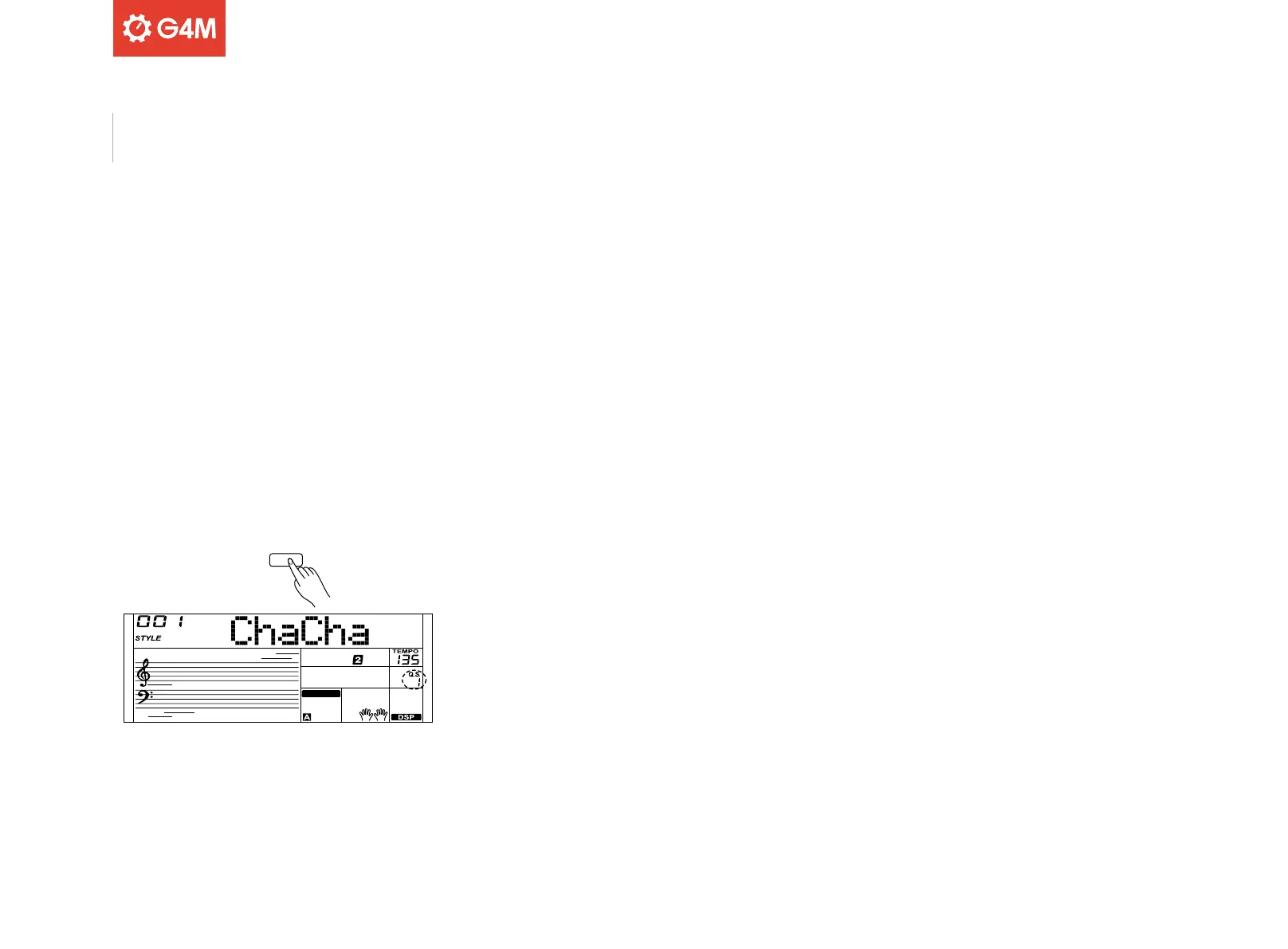
Q.S.
FINGERED
20
QUICK SETTINGS
When Quick Settings (Q.S) mode is enabled, you can instantly recall
auto accompaniment related settings – including sound selection and
digital eects – with a single touch of a button.
Press the Q.S button to turn on this mode for the current style. “Q.S”
will be shown on the display.
To recall various panel settings that match the selected style, press
one of the Quick Setting buttons [M1]-[M4]
Please note:
Entering Song mode automatically turns o Q.S mode.
Auto Accompaniment



 To Next Page