PL AY
RE CORD
PL AY
RE CORD
SOUND
26
The keyboard allows you to record and playback your performances.
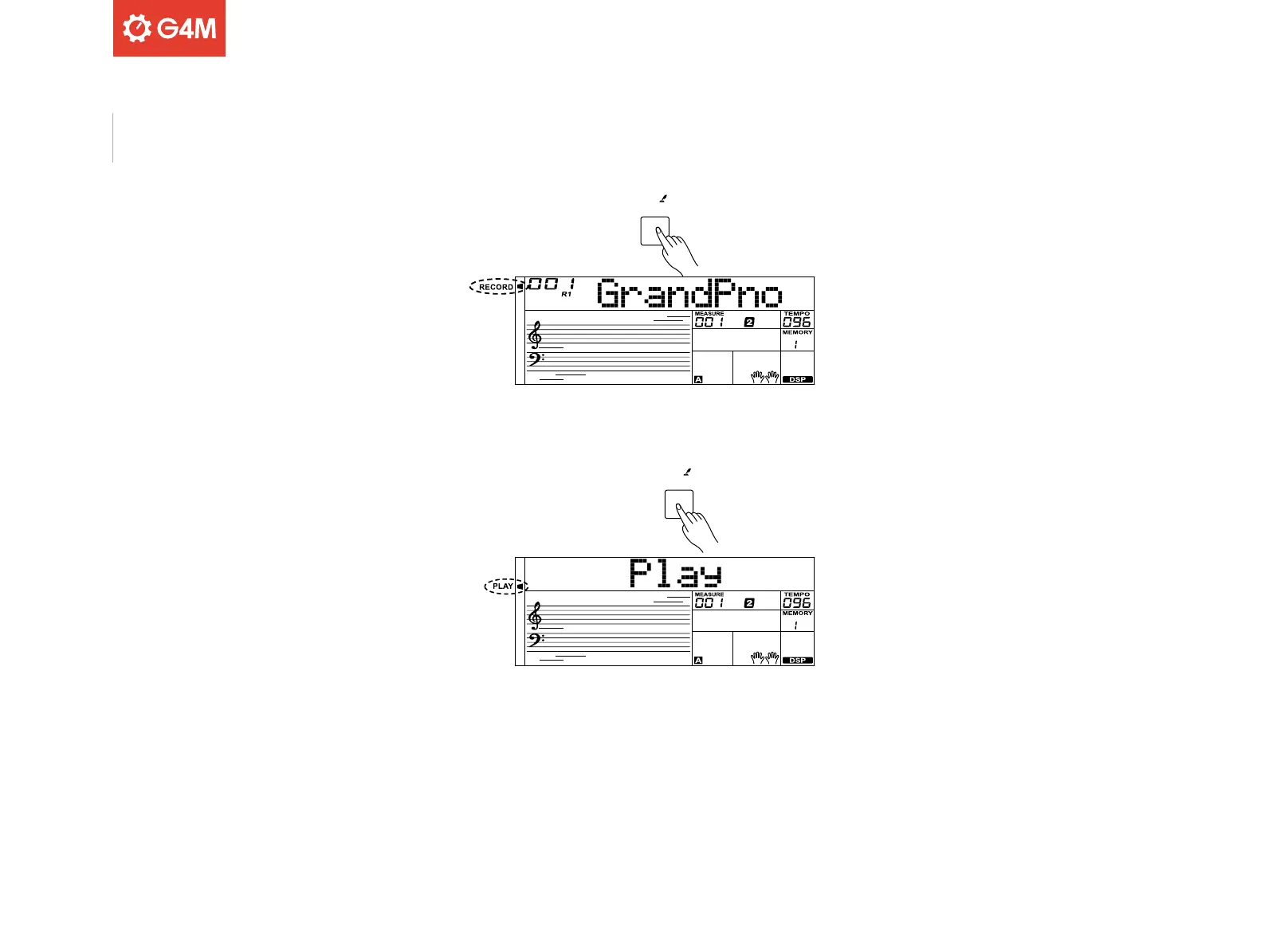
To do this, press the [RECORD] button. The record indicator will appear
on the display.
Either play the keyboard or press the [START/STOP] button to start
recording. To record the keyboard’s accompaniment, turn on the
Fingered Bass Chord function.
To stop recording, press the [RECORD] button again. The record
indicator on the display will go out.
To play back your recording, press and hold the [PLAY] button for 2
seconds. The play indicator on the display will appear. To stop playback,
press and hold the [PLAY] button for 2 seconds again.
Please note:
The recording data will be stored whilst the keyboard remains on.
Recording & Playback



 To Next Page