L / R
CHORD DICT.
The chord dictionary feature can be used to learn how to play new
chords.
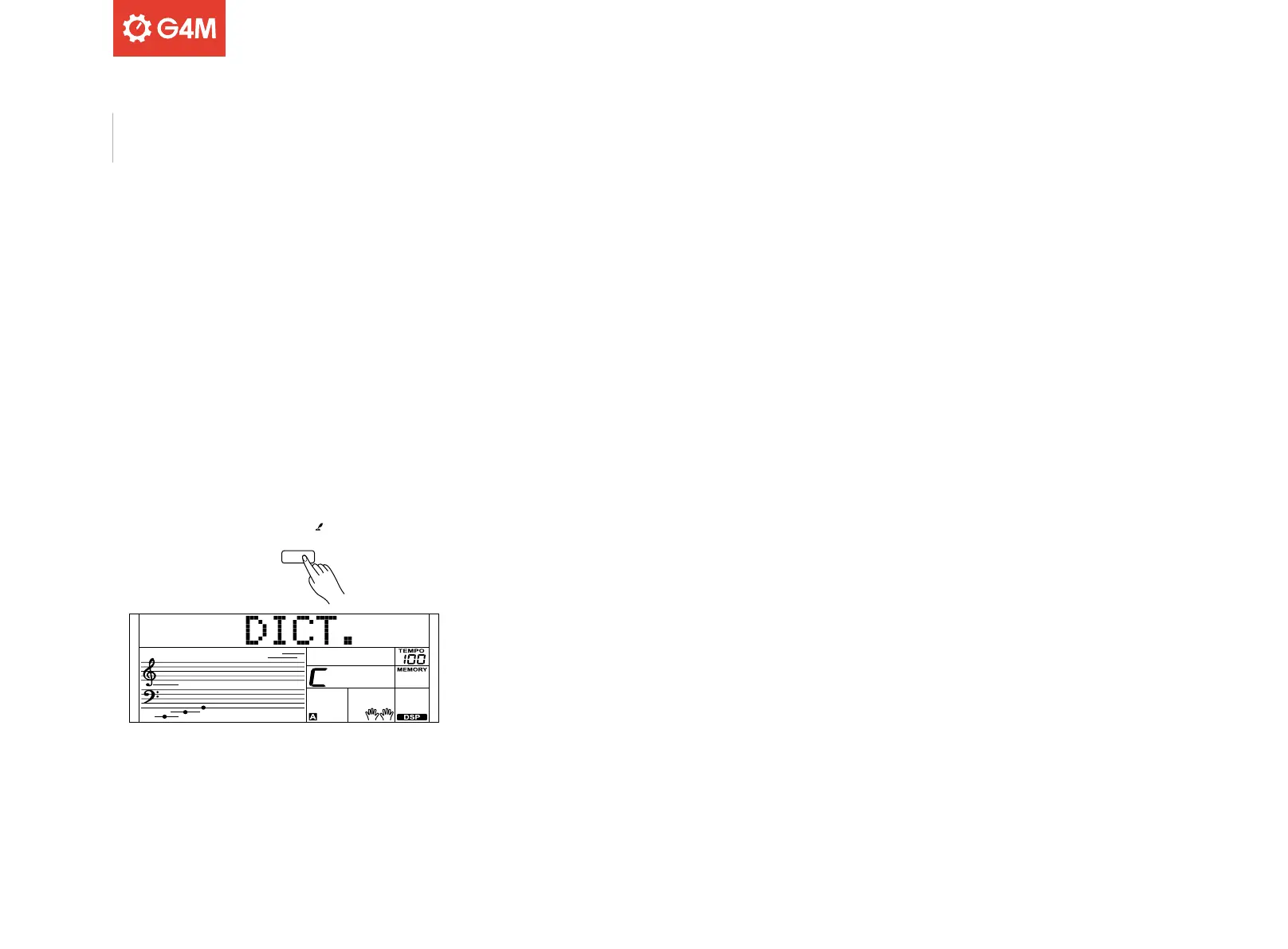
Press and hold the [CHORD DICT] button for 2 seconds to enter this
mode. The display will show the chord type and chord notes.
The keys including and above C4 can be used to assign the chord type.
The keys including and above C6 can be used to assign the chord root.
When these have been selected, the display will show both the chord
and musical notation.
When you play the correct chord in the cord range of the keyboard, an
applause sound will be heard!
Press and hold the [CHORD DICT] button for 2 seconds again to exit this
mode
24
Chord Dictionary



 To Next Page