M2M1 M3 M4BA NK
BA NK
23
The keyboard is equipped with 4 memory banks, with each bank
containing 4 memory options, M1-M4, allowing you to save your
preferred sounds and settings.
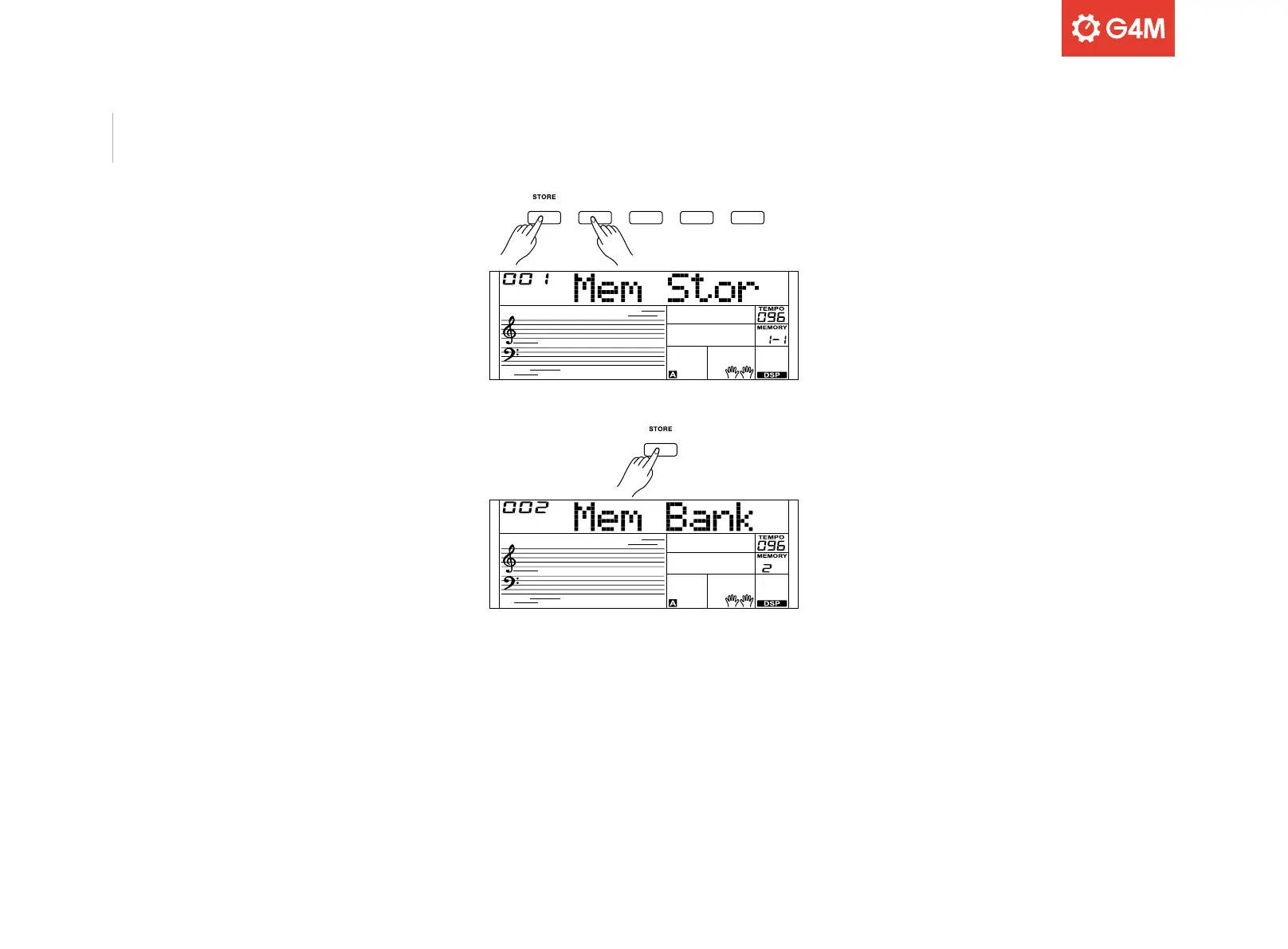
To save settings, hold down the [STORE] button and then press one of
the memory buttons [M1]-[M4]
The display will show “Mem Stor” and the new settings will replace the
previously stored settings.
Press [M1]-[M4] to recall your saved settings.
To select dierent memory banks, press the [BANK] button as required
to toggle through the 4 banks. The selected bank number will show on
the display.
Please note: these memory settings cannot be used in Quick Setting
(Q.S.) mode and will reset to default settings after the keyboard powers
o.
Memory



 To Next Page