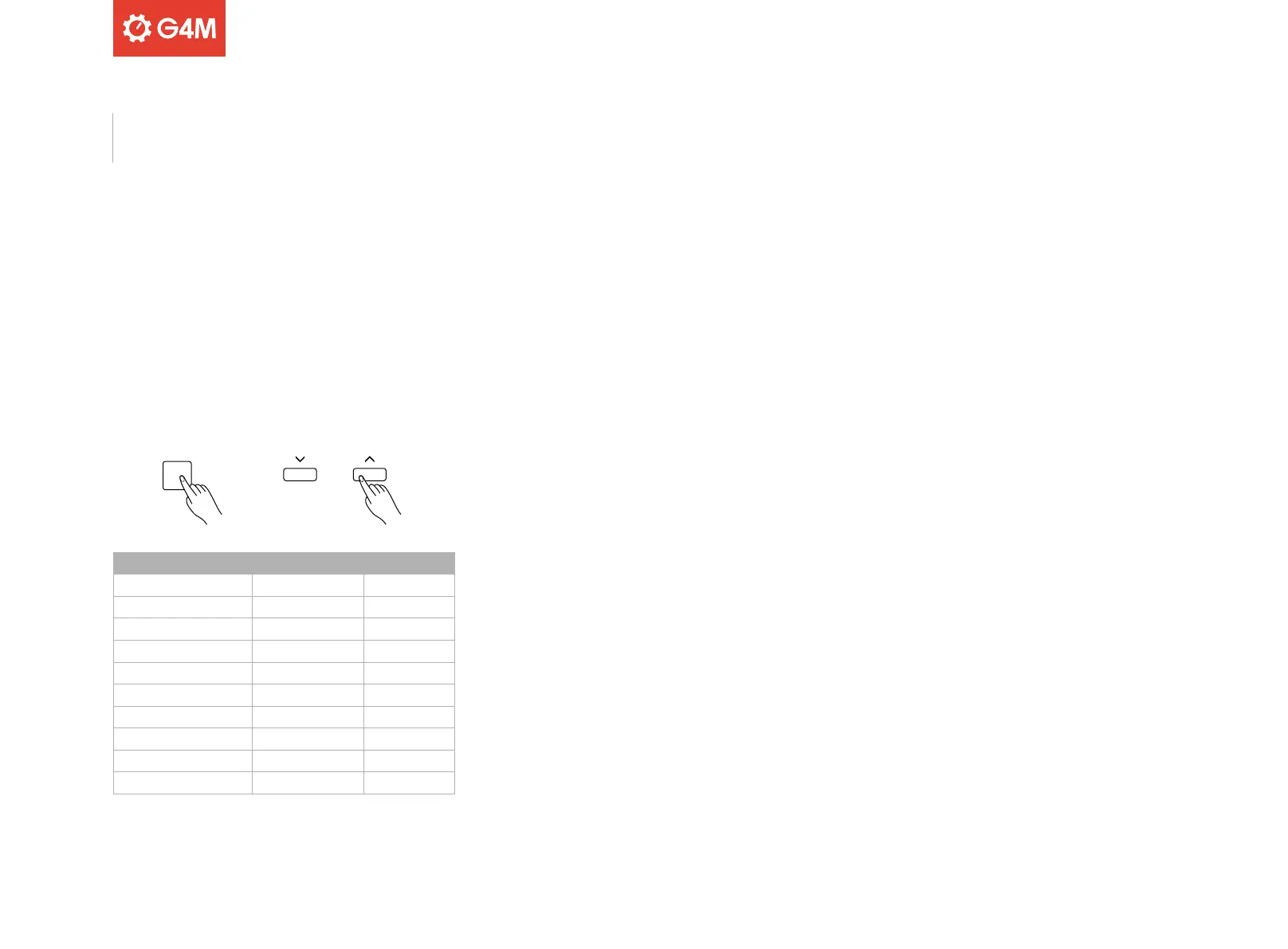
FUNCTION
PARAMETER ITEM
Content LCD Display Range
Octave XXX Octave -2 - 2
Split Point XXX Split Pt 1 - 61
Beat Type XXX Beat 0, 2 - 9
Accompaniment Volume XXX Accomp 0 - 32
Touch XXX Touch OFF, 0 - 3
Tune XXX Tune -50 - 50
Reverb Level XXX Rev Lev 0 - 127
Chorus Level XXX Chr Lev 0 - 127
Auto Power O XXX PowerO OFF, 30, 60
22
Press the [FUNCTION] button to enter the function menu. The display
will show the current parameters.
Press the [FUNCTION] button again, to toggle through and select the
parameter you wish to adjust, as shown in the table below. The display
will show the item selected, and its value can be adjusted using the [
^
] and [^] buttons.
Pressing the [
^
] and [^] buttons simultaneously will reset the selected
item to its own default value.
Please note: the function menu will automatically exit if idle for more
than three seconds.
Function



 To Next Page