3E2362WeighScaleW310v2UserManual
Page12
Drafting
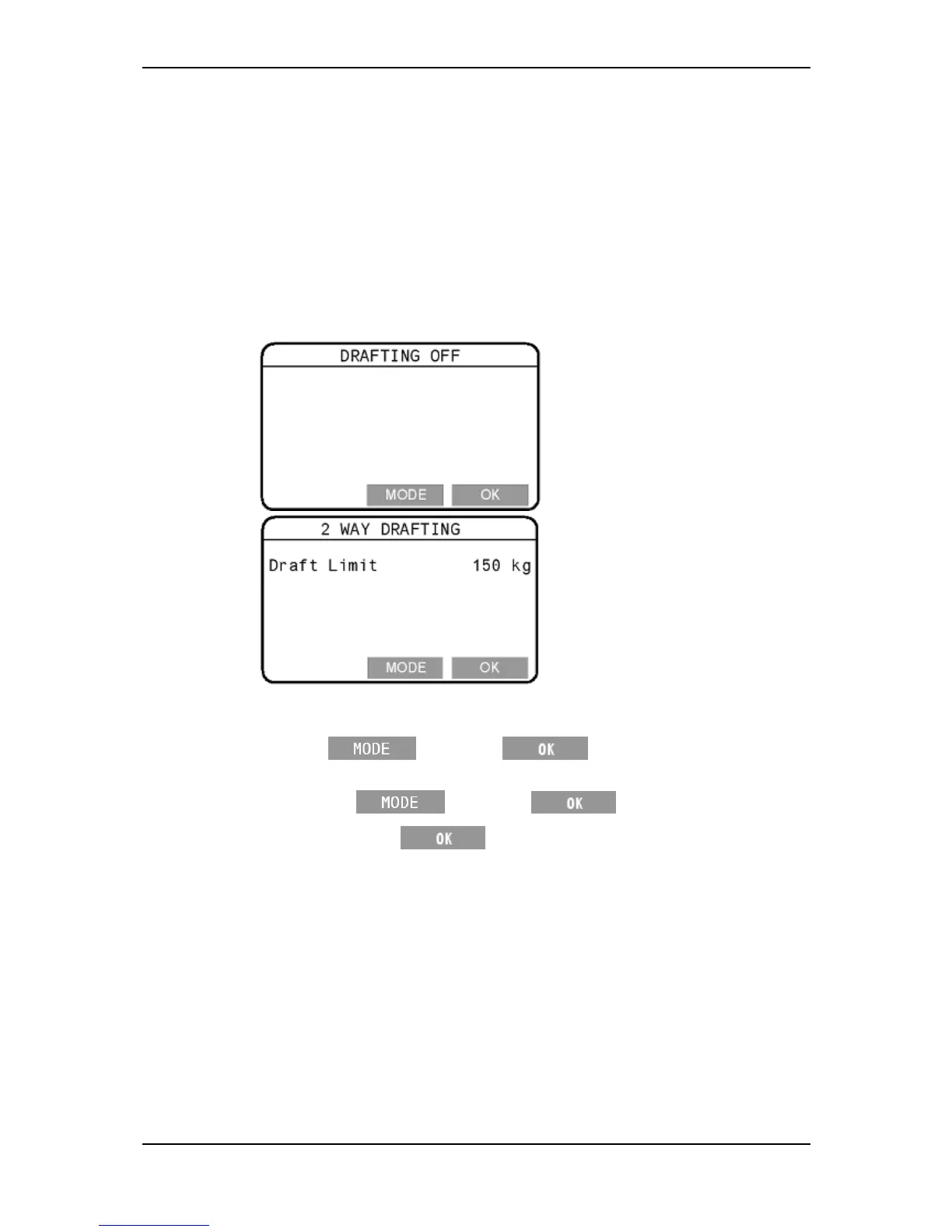
TheDraftMenuoptionletsyouturnDraftingonoroffandsetadraftinglimit.
TurningDraftingonoroff
ToturnDraftingonoroff,followthe sesteps.
1. Select1.DRAFTMENUfromthesetupmenu.
2. DependingonhowtheWeighScalewaspreviouslysetup,eitherthe
DraftingOffortheTwoWayDraftingscreenwilldisplay.
3. Dependingonthescreendisplayed,dooneofthefollowing.
IftheDraftingOffscreenappearsandyouwanttoturnDraftingon,
press
,thenpress twice.
IftheTwoWayDraftingscreenappearsandyouwanttoturnDrafting
off,press
,thenpress .
4. Afteryoupressthe buttonthefinaltime,youwillbereturned
tothesetupmenu.



 To Next Page