Chapter 4 -- Installation--Device Manager
4 - 8
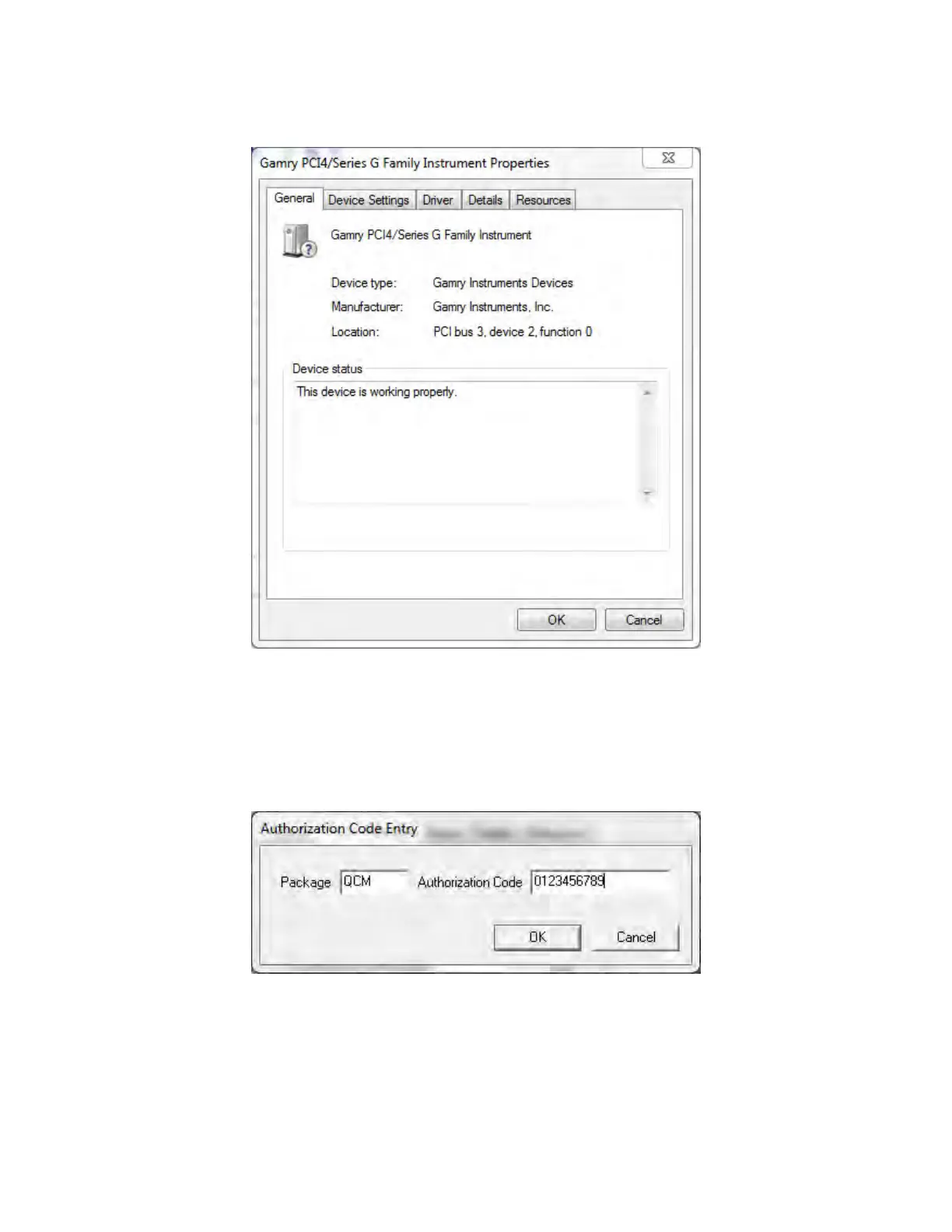
Figure 4-7
Device Properties
If you are interfacing the eQCM 10M to a Gamry Potentiostat you will need to enter in the necessary 10-digit
authorization code into the Device Settings tab for your potentiostat. Click on Add to bring up a dialog box
that looks like the one below:
Figure 4-8
Enter an Authorization Code
Enter the package name as “QCM” and the necessary 10-digit Authorization Code then click OK to store the
changes.


 To Next Page