Chapter 4 -- Installation--Authorization Codes and Label
4 - 11
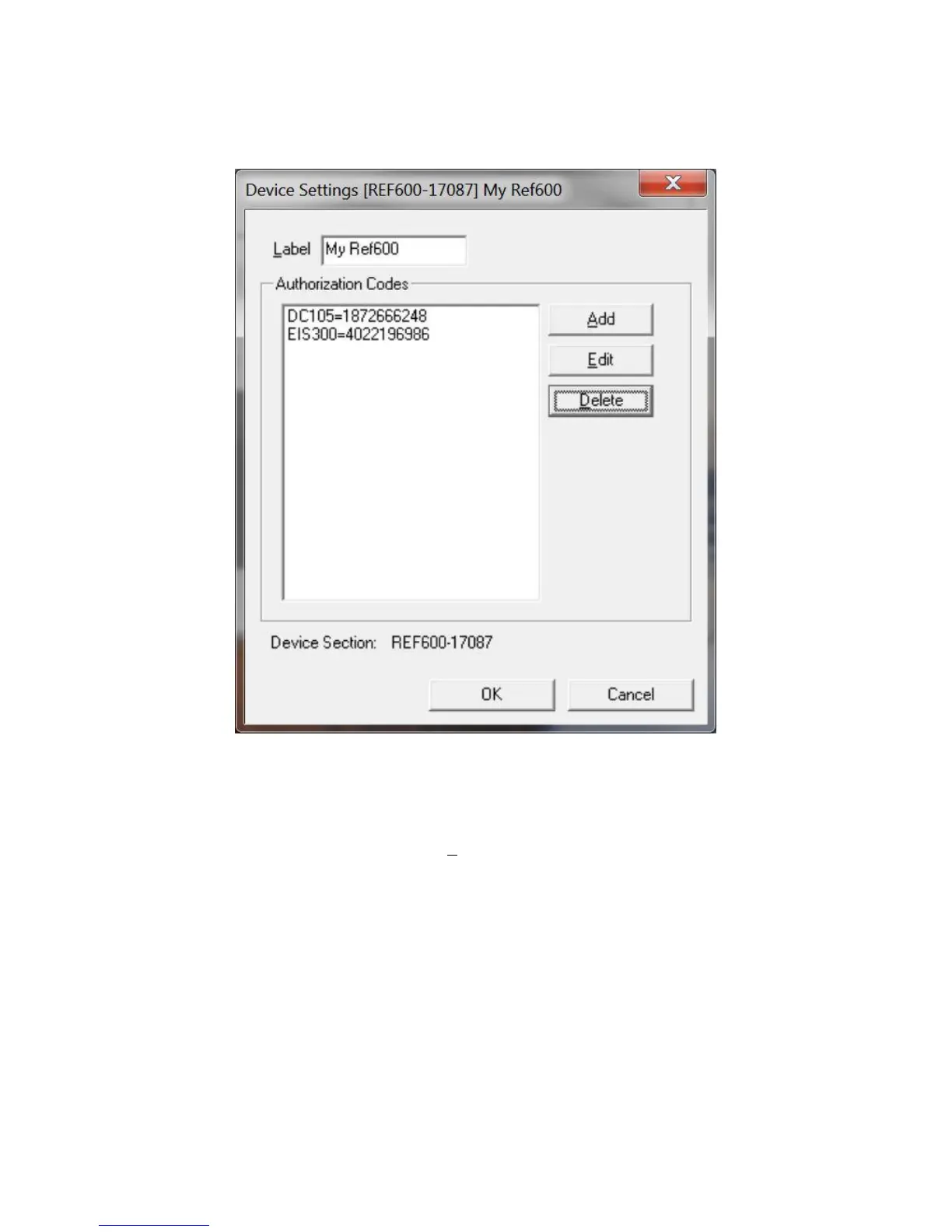
Figure 4-7
Device Settings Tab
This was the Device Settings dialog box for the second potentiostat in the system described above. You can
enter or edit any of the authorization codes or Label for the device by clicking on the appropriate edit box and
entering the in formation. In the Figure above, the default label has been changed to a friendly name - My
Ref600.
To enter an authorization code, simply click on the Add button. A dialog box will appear as shown in Figure
4-8. You enter the package name, such as “EIS300”, followed by the 10 digit authorization code.



 To Next Page