EasyManua.ls Logo

GAOMON M10K - User Manual

GAOMON M10K
12 pages
Print Icon
To Next Page IconTo Next Page
Loading...
User Manual
M10K
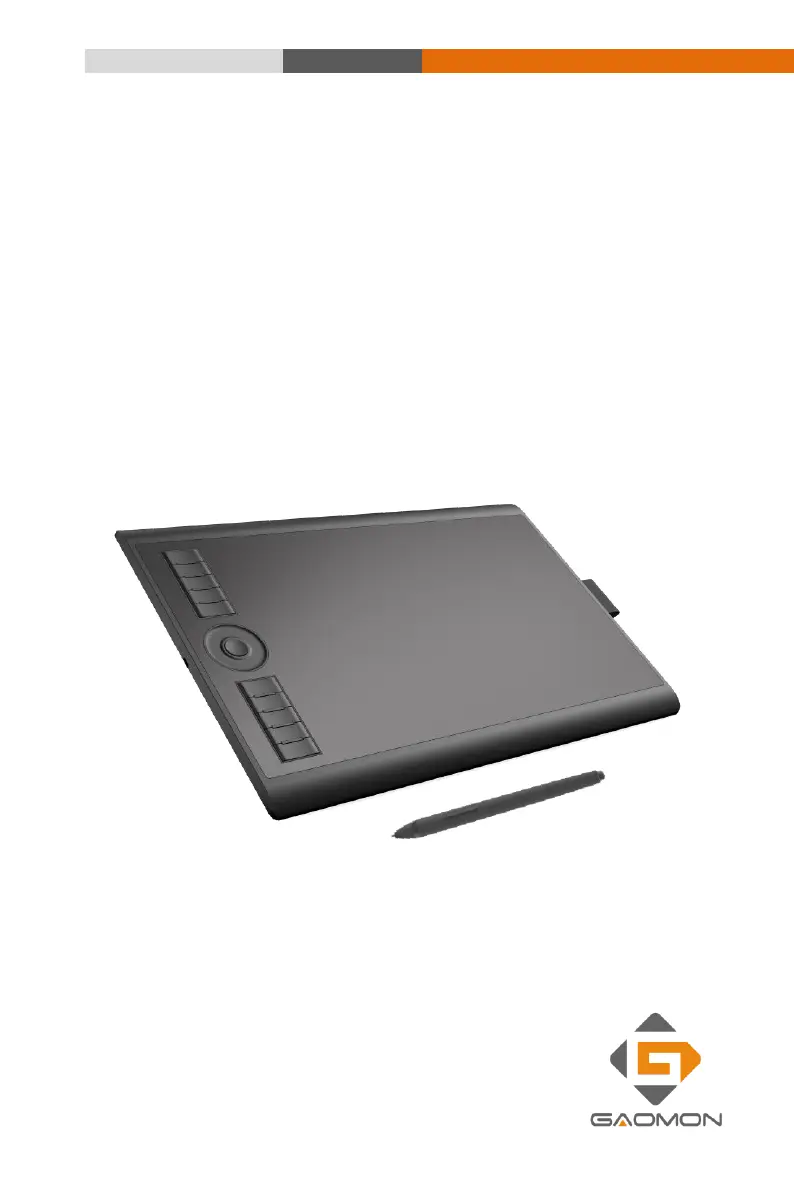
Battery-Free Graphic Tablet

Questions and Answers

  • G
    geoffreyhooverJul 29, 2025
    What to do if my GAOMON Graphics Tablet pen is not working?
    • S
      Scott Richmond MDJul 29, 2025
      If your GAOMON Graphics Tablet pen isn't working, ensure you've correctly installed the driver and that it's running. Try using a mouse to check if the issue is system-wide; if the mouse also doesn't work, restart your computer or application. Additionally, try reconnecting the USB cable and reinstalling the USB Tablet driver.
  • L
    Levi VincentAug 11, 2025
    What to do if the GAOMON Graphics Tablet pen side switch does not work?
    • J
      James McdanielAug 11, 2025
      If the side switch on your GAOMON Graphics Tablet pen isn't working, make sure the pen nib is within 10mm of the tablet surface when you press the side button, and that the pen nib isn't pressed against the tablet surface. Also, verify that the side button is set to the correct function for the application you're using.

Summary

Introduction and Installing

Packing List

Lists all included items in the package for the graphics tablet.

Product Overview

Provides a general overview of the graphics tablet's design and features.

Front View

Details the components visible on the front of the graphics tablet.

Rear View

Describes the components and ports located on the rear of the graphics tablet.

Connect the tablet

Explains how to physically connect the graphics tablet to a computer using a USB cable.

ArtPaint AP30

Describes the features and functions of the ArtPaint AP30 stylus pen.

Replace the pen nib

Provides step-by-step instructions on how to replace the pen nib.

Tablet Driver Installing

OS Compatibility

Lists the operating systems compatible with the tablet driver software.

Tablet Driver Installing

Guides users through the process of installing the tablet driver software.

Setup and Operation Guide

Mapping

Explains how to configure the tablet's active area mapping to the display.

Pen Setting

Details how to customize pen settings like sensitivity and button functions.

Key Setting

Guides users on how to customize the express keys on the graphics tablet.

Troubleshooting

Product Specifications

GAOMON M10K Specifications

General IconGeneral
Active Area10 x 6.25 inches
Pressure Sensitivity8192 levels
Resolution5080 LPI
InterfaceUSB
Pen TechnologyBattery-free Electromagnetic Resonance
Tilt SupportYes
Express Keys10
OS CompatibilityWindows 7/8/10, macOS 10.12 or later

Related product manuals