CLOCK SET-UP
(Note: The clock is in 24-hour format)
TIMER FUNCTIONS
1
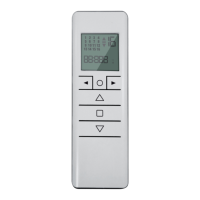
From the channels or groups screen, press and hold the circle button until
or
appears on the screen. Press the circle button again and the timer/
clock screen will appear.
2
Press the STOP button to enter the menu.
3
Set the hour by using the UP / DOWN buttons and press the STOP button to con-
firm.
4
Set the minutes by using the UP / DOWN buttons and press the STOP button to
confirm.
5
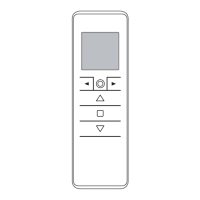
Select the day of the week using the arrow buttons (◄ / ►) and press STOP
button to confirm. Clock is now set.
now appears on screen. By using the arrow buttons (◄ + ►) you can
scroll between
and to choose between having the clock displayed or
not in stand-by mode.
Note: During operation, the clock is shown only in Automatic Mode or Random Mode
(see section: “Changing the operational mode”)


 To Next Page