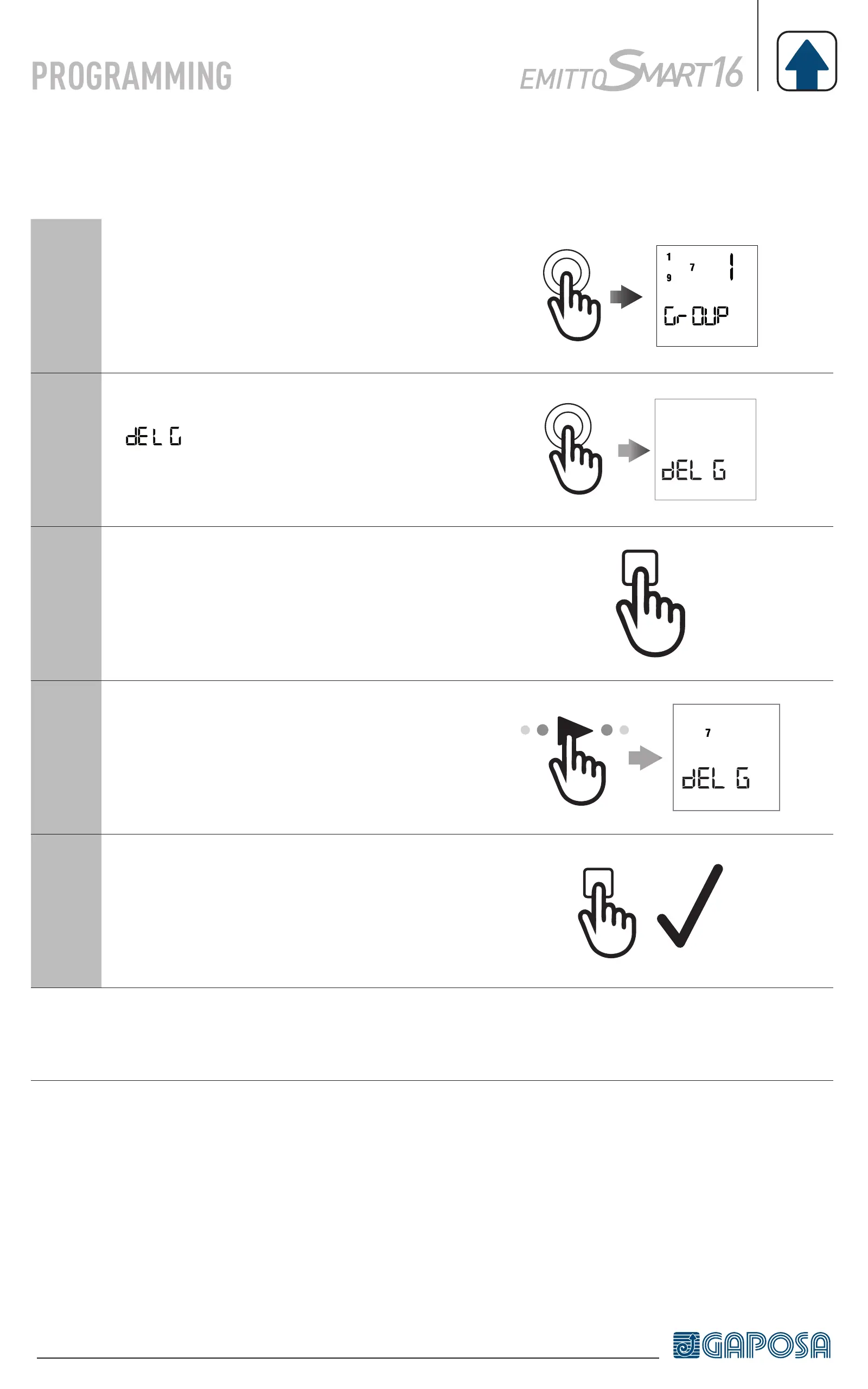
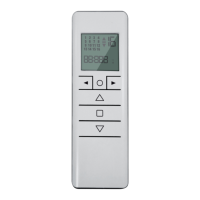
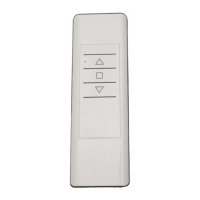
DELETING GROUPS
1
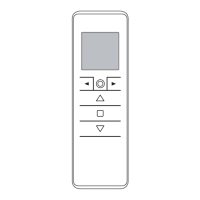
Enter the group screen by pressing the
circle button.
2
Press and hold the circle button until
appears on screen then press
the STOP button to enter the delete
groups mode.
3
Page through the saved groups using
the left and right arrow buttons.
4
Once the group that needs to be
deleted is selected
7
5
Press the STOP button to confirm the
deletion.
Note: the delete groups mode can be exited at any time by pressing the circle
button again.


 To Next Page