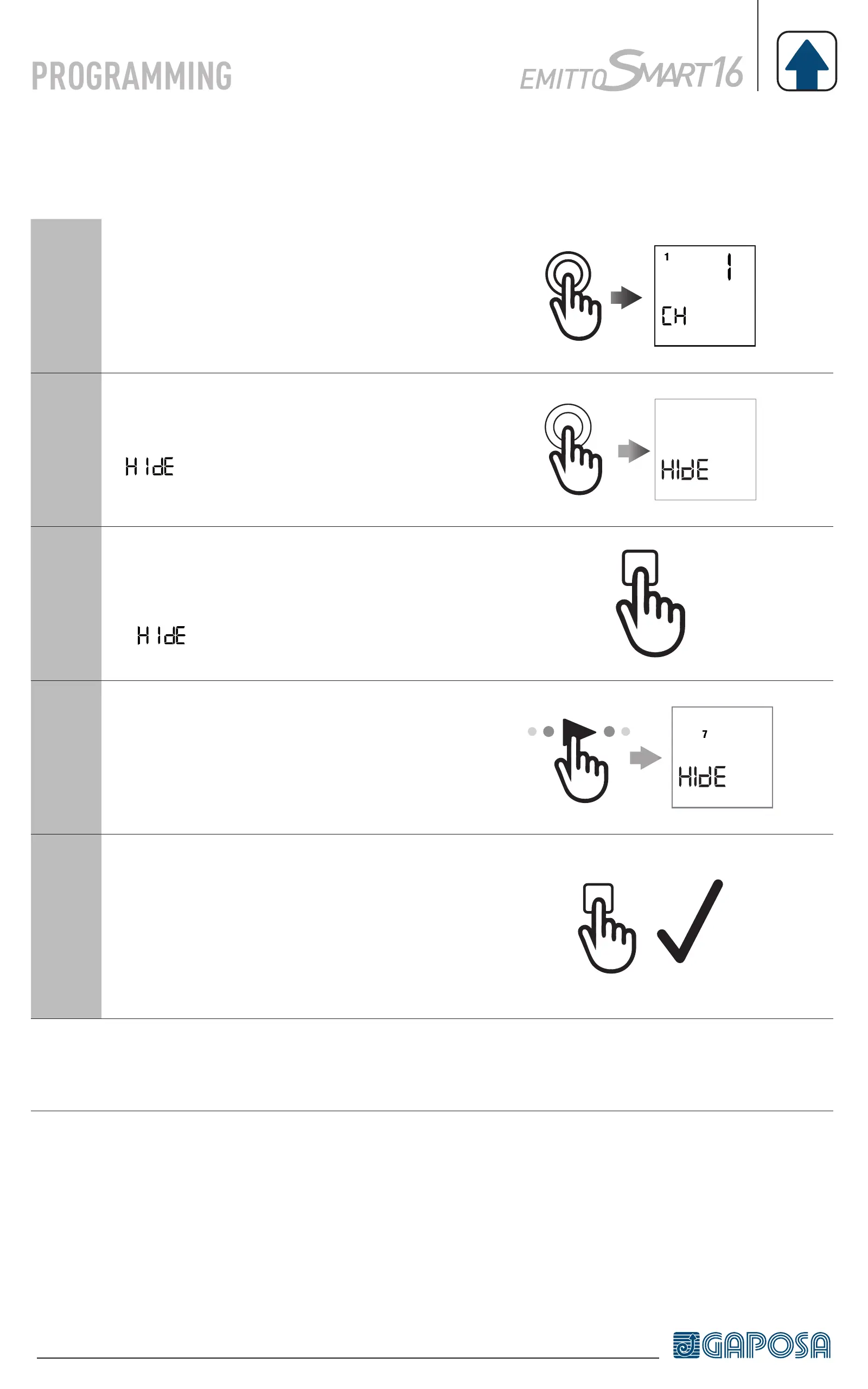
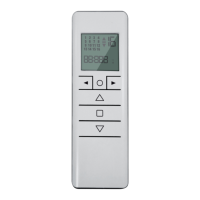
HIDING CHANNELS
1
Enter the channel screen by pressing
the circle button.
2
Press and hold the circle button until
appears on screen.
3
then press the STOP button to enter
the hide channel mode.
(
)
4
Once the required hidden channels are
selected
7
5
Press the STOP button to confirm
the hidden channels. The numbers
on the screen will blink quickly for
confirmation.
Note: Channels can be unhidden using the same process. Just deselect the
channels.


 To Next Page