2/2
4
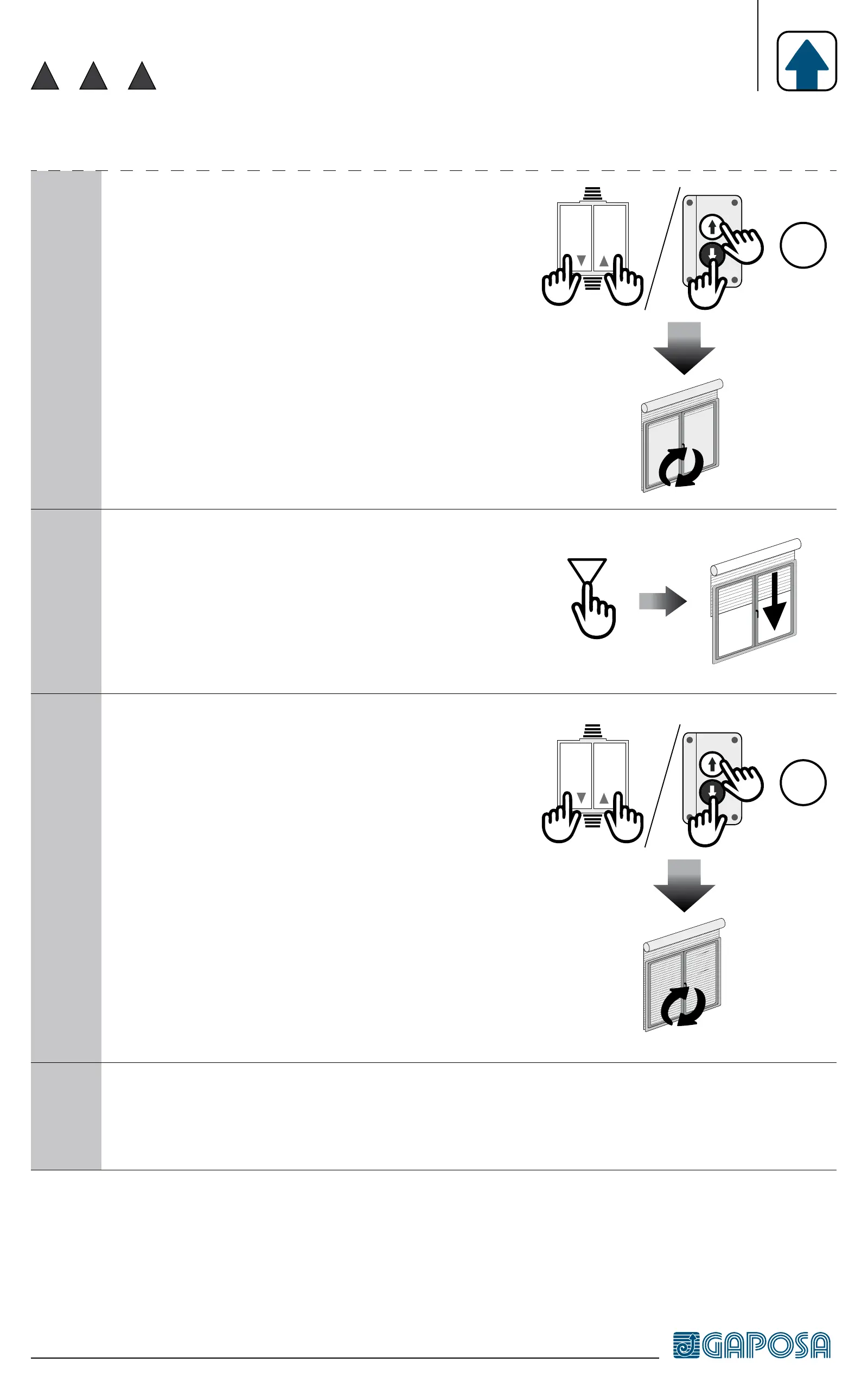
Press Up & Down buttons simul-
taneously until the motor jogs. Up
limit switch is set.
STOP STOP
15”
5
Press the Down button and release
it only when the shutter/awning has
reached the desired limit switch posi-
tion.
6
Press Up and Down buttons simulta-
neously until the motor jogs. Down
limit switch is set
STOP STOP
15”
7
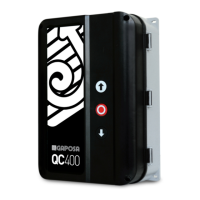
Disconnect the setting pushbutton tool ACPRE/ACPRET and
connect the motor to the final standard pushbutton


 To Next Page