52
ELECTRIC CONVECTION OVENS
EN
PROGRAMS (PHASE)
The oven must have the panel on with the temperature
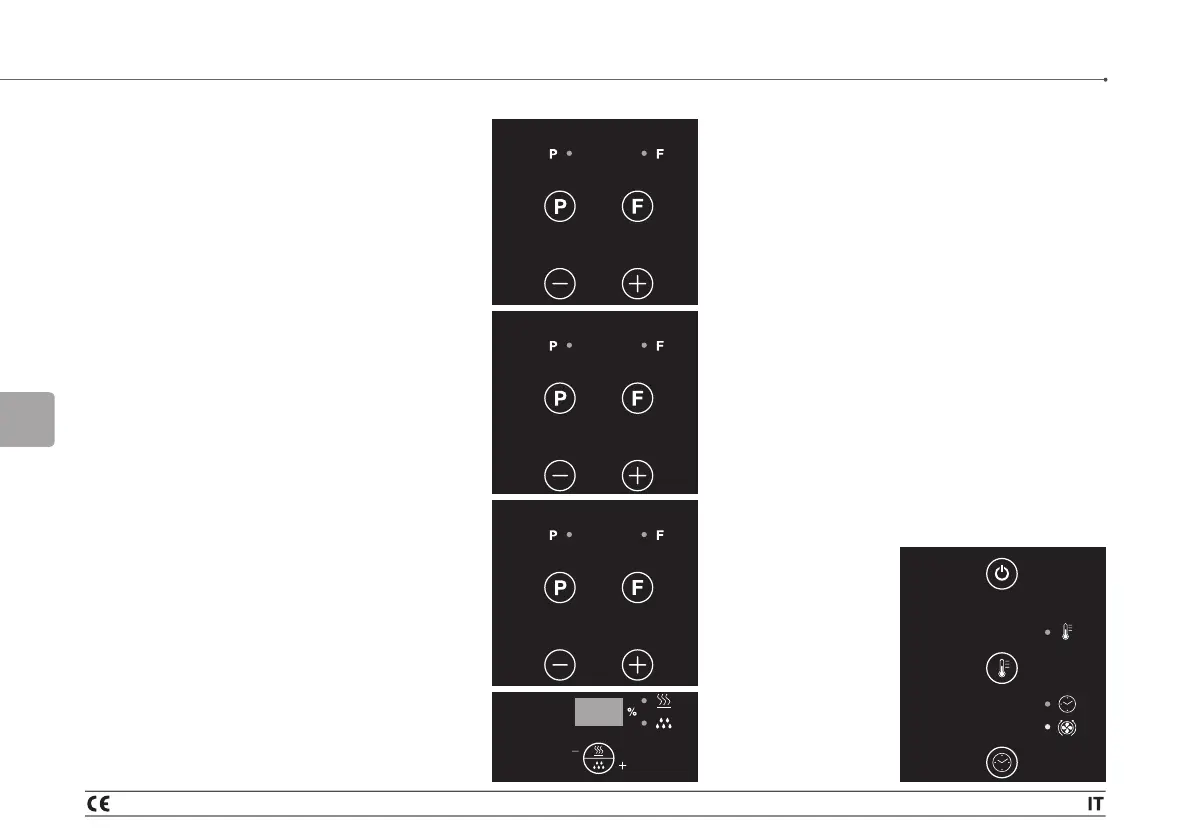
display flashing (initial phase). Pressing the P button
gives access to programming and the corresponding
display flashes, waiting for data entry. Using the + and
- buttons, choose the program.
To return to manual mode, press the + or - buttons
to set MA and confirm with P or wait for 15 seconds.
PROGRAMS
20 programs can be set by the user (from 1 to 20
inclusive) and are displayed in numerical order. For
each program, it is possible to set 6 phases.
Entering a new program
Choosing the program number:
press the P button, the programs display flashes. Use
the + or - buttons to choose the program number to be
stored or changed. Wait 15 seconds for confirmation
or press the P button.
Enter the program:
After choosing the program, hold down the P button
to enter the program itself. At this point, the data entry
phase is the same as for the manual program.
If the program is empty, the displays appear as they
do in the manual procedure, ready to receive data. If,
on the other hand, a program is already stored, the
data entered is shown on the corresponding displays.
Data is entered as usual. If a further phase is to be
entered, press the F button. Use the + button to
choose the next phase then return to the usual data
entry procedure.
The same applies to all subsequent phases.
It is not necessary to enter all six phases in order to
store a program.
To store a program, hold down the P button.
Temporary variation:
also in the programs cycle, by pressing the
temperature, time and humidity buttons, it is possible
to vary the data entered without modifying the original
program stored.
SPECIAL CONTROLS
Manual humidification button
Only operates with an active cycle.
Pressing the button shows the time in seconds for a
maximum of 10 seconds on the humidity display. The
corresponding relay is activated. Once released, the
display goes back to showing the humidity percentage
data set previously.
Not active with chamber temperature under 100 °C.
The button has no effect if the oven is off (in stop
mode).
Alarms
The following alarms are envisaged:
“Pr1” chamber probe
open or short-circuited;
“Pr2” core probe open
or short-circuited or
missing;
“Pr5” display and
power board are not
interacting
Pr appears on the
temperature display;
ERR appears on the
time display.
MA
011
206
PRI
ERR
3 - THIRD PART_Operating instructions



 To Next Page