EasyManua.ls Logo

Gardena SILENO city - User Manual

Gardena SILENO city
60 pages
Print Icon
To Next Page IconTo Next Page
Loading...
gardena.com
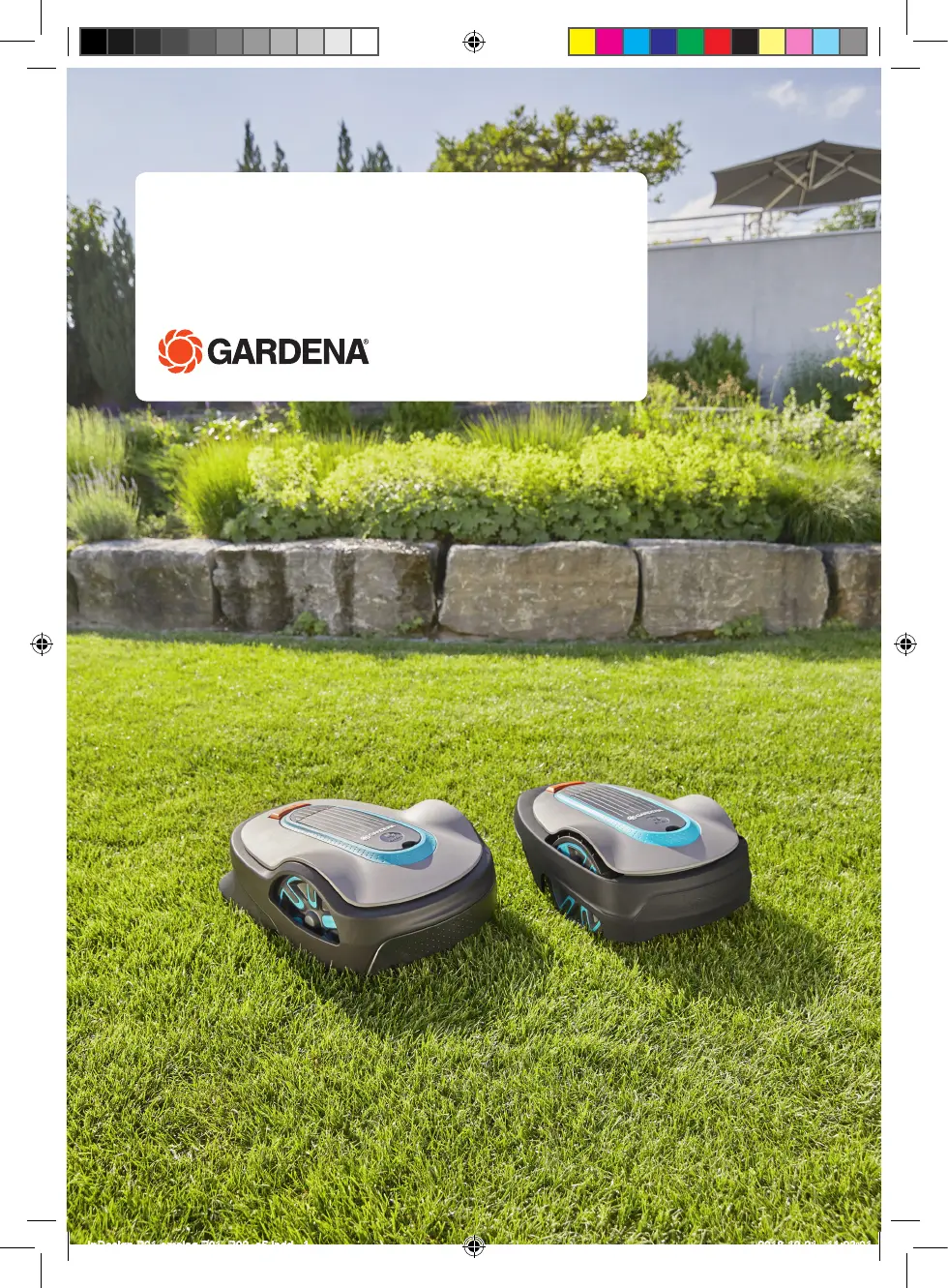
Operator‘s manual
SILENO city, smart SILENO city
SILENO life, smart SILENO life
InDesign P01 omslag P01_P02_a5.indd 1

Other manuals for Gardena SILENO city

Questions and Answers

  • T
    Tammie Martinez MDSep 16, 2025
    What does 'Battery temperature outside limits' mean on Gardena Lawn Mower?
    • D
      Dr. Patricia Sanchez MDSep 16, 2025
      If your Gardena Lawn Mower displays 'Battery temperature outside limits', it means the battery temperature is too high or too low to start operation. The product will automatically start operating once the temperature is within the acceptable limits.
  • M
    megandoyleAug 25, 2025
    How to troubleshoot Gardena SILENO city Lawn Mower battery problem?
    • P
      Patty KnightAug 25, 2025
      If your Gardena Lawn Mower indicates a battery problem, it could be a temporary battery or firmware-related issue; try restarting the product. Also, ensure you are using the correct type of battery, as an incorrect battery can cause problems; use original batteries recommended by the manufacturer.
  • A
    andersonalexanderAug 25, 2025
    Why does my Gardena SILENO city Lawn Mower say 'No loop signal'?
    • G
      George OwensAug 26, 2025
      If your Gardena Lawn Mower displays a 'No loop signal' error, several issues could be the cause. First, check that the power supply and low-voltage cables are securely connected and undamaged. If there's damage, replace them. Ensure the boundary wire is properly connected to the charging station, replacing connectors if needed. Finally, inspect the boundary wire for damage; if found, replace the damaged section.
  • D
    Denise DavidsonAug 27, 2025
    What to do if Gardena SILENO city goes outside working area?
    • A
      Amanda PalmerAug 27, 2025
      If your Gardena Lawn Mower is operating outside the designated working area, several factors could be responsible. Check that the boundary wire is correctly connected and not placed too close to the edge of the work area. Metal objects like fences or buried cables can interfere with the boundary wire, so try moving the wire away from these objects. Also, interference from a nearby product installation might be the issue, in which case, place the product in the charging station and generate a new loop signal.
  • M
    Monica ThomasSep 18, 2025
    What to do if Gardena SILENO city Lawn Mower says 'Connection NOT changed'?
    • B
      Brandon RiosSep 18, 2025
      If your Gardena Lawn Mower displays 'Connection NOT changed', the loop signal was not changed due to an error. Try creating a new loop signal multiple times.
  • D
    Dr. Kathleen RodriguezSep 23, 2025
    What to do if Gardena SILENO city has connectivity problem?
    • A
      Anthony HebertSep 23, 2025
      If your Gardena Lawn Mower shows a connectivity problem, it indicates an issue on the connectivity circuit board in the product. Restart the product.
  • B
    blankenshipcarolynSep 8, 2025
    Why Gardena Lawn Mower operates at the wrong time?
    • S
      Sarah MartinSep 8, 2025
      If your Gardena Lawn Mower is operating at the wrong time, it could be due to an incorrect time or date setting in the product; set the correct time and date. Alternatively, the start and stop times for operation may be incorrect; adjust the schedule settings.
  • M
    Michael LongSep 9, 2025
    What causes Gardena Lawn Mower charging system problem?
    • D
      danielwhitneySep 9, 2025
      If your Gardena Lawn Mower shows a charging system problem, it might be due to using an incorrect type of battery. Make sure to use original batteries recommended by the manufacturer.
  • V
    valerie51Sep 3, 2025
    How to fix Gardena SILENO city wheel motor overloaded?
    • G
      Gabrielle PageSep 3, 2025
      If the wheel motor on your Gardena Lawn Mower is overloaded (left or right), the issue is likely due to grass or another object around the drive wheel. Remove any obstructions from the drive wheel.
  • A
    Amber BaileySep 1, 2025
    How to fix Gardena SILENO city Lawn Mower wheel motor blocked?
    • A
      ajohnsonSep 1, 2025
      If the wheel motor of your Gardena Lawn Mower is blocked (left or right), it is likely due to grass or another object obstructing the drive wheel. Remove any grass or objects to resolve the issue.

Summary

Introduction to the Robotic Lawnmower

Introduction and Support

Overview of the manual, product support, and basic introduction to the robotic lawn mower.

Product Overview and Symbols

Details product components, display symbols, battery symbols, and general manual instructions.

Menu Structure Overview

Visual representation of the product's menu hierarchy and navigation options.

Safety Guidelines and Precautions

Important Safety Precautions

Critical safety information and warnings to be read carefully before operating the product.

Safety Instructions for Operation

Detailed guidance on safe product operation, including battery safety and lifting procedures.

Installation Guide for the Robotic Lawnmower

Installation Introduction and Preparations

Overview of the installation process, main components, and general preparations for setup.

Wire Installation Planning

Guidance on positioning boundary and guide wires, including specific distances from obstacles.

Product Installation Steps

Step-by-step instructions for installing the charging station, boundary wire, and guide wire.

Product Settings Configuration

Instructions for configuring product settings, schedules, smart features, and system parameters.

Operating the Robotic Lawnmower

ON;OFF Button and Indicator Lamp

Instructions for turning the product on/off and understanding the status indicated by the lamp.

Starting and Operating Modes

How to start the product and select various operating modes like Main Area or Park.

Schedule and Standby Functionality

Details on product scheduling, standby periods, and operational examples for efficient mowing.

Adjusting Cutting Height

Guide on how to adjust the cutting height of the lawn mower for optimal grass cutting.

Maintenance and Care

Introduction to Maintenance

General guidelines for product maintenance and care to ensure longevity and performance.

Product Cleaning Procedures

Instructions for cleaning the chassis, blades, wheels, and body of the robotic lawn mower.

Replacing Blades and Battery

Procedures for replacing worn blades and the product's battery for continued optimal function.

Battery Care and Replacement

Detailed instructions on battery charging, proper care, and the step-by-step battery replacement process.

Troubleshooting Common Issues

Fault Messages and Solutions

Table listing product fault messages, their causes, and recommended actions for resolution.

Information Messages

Explanation of informational messages displayed by the product and the required user actions.

Charging Station Indicator Lamp Guide

Guide to understanding the indicator lamp signals on the charging station for installation status.

Symptoms and Corresponding Solutions

Common product symptoms, their underlying causes, and practical solutions for troubleshooting.

Transportation, Storage, and Disposal

Transportation Requirements

Regulations and special requirements for transporting the product, including battery handling.

Product Storage Recommendations

Guidelines for safely storing the product and charging station, including environmental conditions.

Technical Data and Specifications

Technical Specifications

Detailed technical specifications for SILENO city and SILENO life models, including dimensions and electrical data.

Warranty Information

Warranty Terms and Conditions

Explanation of the product warranty period, coverage details, and common exclusions.

EC Declaration of Conformity

EC Declaration of Conformity Statement

Manufacturer's declaration of product compliance with relevant European Union directives and standards.

Gardena SILENO city Specifications

General IconGeneral
TypeRobotic lawn mower
Noise level58 dB
Display typeLCD
Cutting width160 mm
Grass catcher-
Product colorGreen, Grey
Cutting systemRotary blades
Number of blades3
Number of wheels2 wheel(s)
Maximum lawn area250 m²
Recommended lawn area- m²
Maximum cutting height50 mm
Minimum cutting height20 mm
Grass collecting volume- L
Suitable for slope up to25 %
Cutting clearance adjustmentYes
Battery typeBuilt-in
Power sourceBattery
Charging time1 h
Battery voltage18 V
Battery capacity2.1 Ah
Battery life (min)65 min
Power consumption per month (max)2 kWh
Weight and Dimensions IconWeight and Dimensions
Depth550 mm
Width380 mm
Height230 mm
Weight7300 g

Related product manuals