EasyManua.ls Logo

Gardena SILENO R100LiC - User Manual

Gardena SILENO R100LiC
84 pages
Print Icon
To Next Page IconTo Next Page
Loading...
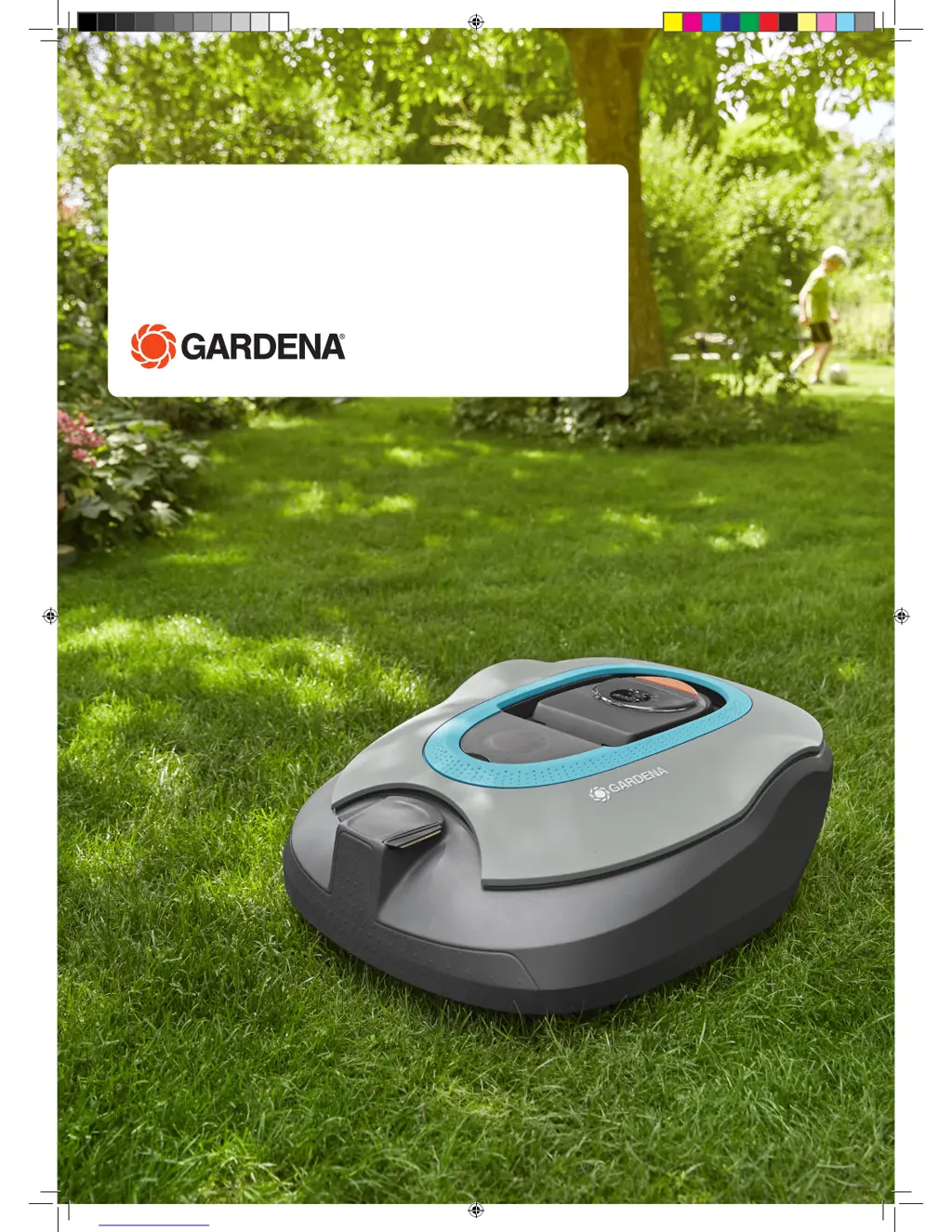
SILENO/SILENO+
R100Li, R100LiC/R130Li, R130LiC, R160Li
Operator‘s manual
Manual_SILENO_SILENO+_151215.indd 1 2016-01-12 09:19:19

Questions and Answers

  • J
    Jeremy BrownAug 18, 2025
    What to do if my Gardena Lawn Mower has a battery problem?
    • M
      Michael RobertsAug 18, 2025
      If your Gardena Lawn Mower indicates a battery problem, it might be a temporary battery or software-related issue. Try restarting the mower, or disconnect and reconnect the battery.
  • W
    William AguilarAug 23, 2025
    Why Gardena Lawn Mower is outside working area?
    • K
      Kelsey JohnsonAug 23, 2025
      If your Gardena Lawn Mower is operating outside the designated working area, it could be due to a few reasons: * The boundary wire connections to the charging station may be crossed. Ensure the boundary wire is connected correctly. * The boundary wire might be too close to the edge of the working area. Verify that the boundary wire has been laid according to the instructions. * The robotic lawnmower may be struggling to differentiate the signal from a nearby installation. Try placing the robotic lawnmower in the charging station and generating a new loop signal.
  • J
    Joseph FisherAug 26, 2025
    What to do if my Gardena SILENO R100LiC is trapped?
    • M
      Melissa PerezAug 26, 2025
      If your Gardena Lawn Mower is trapped, it means it has gotten caught on something or is stuck behind multiple obstacles. To resolve this: * Free the robotic lawnmower from whatever it's caught on and address the reason it became trapped in the first place. * Inspect the area for obstacles that might be hindering the robotic lawnmower's movement.
  • D
    Dawn MccoyAug 28, 2025
    Why Gardena Lawn Mower has uneven mowing results?
    • J
      James WoodsAug 28, 2025
      Uneven mowing results with your Gardena Lawn Mower can stem from several factors: * The robotic lawnmower may not be working enough hours per day. Increase the working times. * The working area's shape may require manual adjustments for the robotic lawnmower to reach all remote areas. Use Lawn coverage to guide the robotic lawnmower to these areas. * The working area might be too large. Consider limiting the working area or extending the working time. * The blades could be blunt. Replace all blades and screws to ensure balanced rotation. * Grass accumulation near the blade disc or around the motor shaft. Check that the blade disc skid plate rotates easily. If not, unscrew the blade disc and remove any grass or foreign objects.
  • W
    wjohnsonAug 30, 2025
    Why Gardena Lawn Mower has no drive?
    • T
      tjacksonAug 30, 2025
      If your Gardena Lawn Mower is showing 'No drive', there could be a few reasons: * The robotic lawnmower may have gotten caught on something. Free it and address the cause. If wet grass is the issue, wait for the lawn to dry. * The working area might include a steep slope. The maximum guaranteed slope is 35%. Isolate steeper slopes. * The guide wire may not be angled correctly on a slope. If the guide wire is on a slope, it must be laid at an angle across it.
  • M
    Michelle MooreSep 1, 2025
    What to do if Gardena Lawn Mower is running at the wrong time?
    • G
      Gabriela DuncanSep 1, 2025
      If your Gardena Lawn Mower is running at the wrong time, it's likely due to: * The robotic lawnmower clock needs to be set. Set the clock. * Incorrect start and stop times for mowing. Reset the start and stop time settings for mowing.
  • C
    Crystal BrooksSep 3, 2025
    What to do if my Gardena SILENO R100LiC wheel motor is blocked?
    • K
      Karen DanielSep 3, 2025
      If the wheel motor of your Gardena Lawn Mower is blocked, it's likely because grass or another object has wrapped around the drive wheel. Inspect the drive wheel and remove any obstructions.
  • C
    Carrie PhelpsSep 6, 2025
    What to do if Gardena Lawn Mower charging station is blocked?
    • T
      tsheltonSep 6, 2025
      If the charging station of your Gardena Lawn Mower is blocked, consider these potential causes: * Poor contact between the charging strips and contact strips. Ensure good contact by repositioning the robotic lawnmower in the charging station. * An object obstructing the robotic lawnmower. Remove the object.
  • J
    Jessica AndersonSep 8, 2025
    What to do if Gardena SILENO R100LiC Lawn Mower asks for PIN code?
    • R
      Randall SmithSep 8, 2025
      If your Gardena Lawn Mower is asking for a PIN code, it means a wrong PIN code has been entered. Enter the correct PIN code. Note that after five incorrect attempts, the keypad will be blocked for five minutes. Contact GARDENA Central Service if you forget the PIN code.
  • E
    Elizabeth FosterSep 12, 2025
    What does it mean when Gardena SILENO R100LiC shows connectivity settings restored?
    • J
      Jessica MillsSep 12, 2025
      If your Gardena Lawn Mower displays a message indicating that connectivity settings have been restored, it means that the connectivity settings was restored due to a fault. Please check and change the settings if needed.

Summary

Introduction and Safety

Safety Instructions

Details general safety guidelines for operating the robotic lawnmower.

Installation

Charging the Battery

Boundary Wire Installation

Ensure correct installation of the boundary wire according to the instruction.

Guide Wire Installation

Checking the Installation

Verifying the loop signal using the charging station's indicator lamp.

First Start-up and Calibration

Initial setup sequence and automatic calibration of the guide signal.

Test Docking

Testing the robotic lawnmower's ability to dock with the charging station.

Use

Using the Timer

Setting mowing schedules to optimize lawn results and mower lifespan.

Starting

Steps to start the robotic lawnmower and select an operation mode.

Control Panel

Operation Selection Start

Selecting the primary mowing mode (Main area, Secondary area, Override timer).

Operation Selection Parking

Options for parking the robotic lawnmower (until further notice, start with next timer).

Main Switch

Function of the main switch for starting and stopping the mower.

Menu Functions

Timer Settings

Detailed guide on setting mowing schedules for optimal lawn care and mower performance.

Security Settings

Configuring security levels and charging station connection.

SensorControl and Smart System

Smart System Setup

Managing wireless interaction with GARDENA Smart System devices.

Installation Settings

Maintenance

Cleaning

How to clean the robotic lawnmower to maintain performance and prevent wear.

Chassis and Blade Disc Cleaning

Detailed instructions for cleaning the mower's chassis and blade disc.

Blade Replacement and Software Update

Blade Replacement

How to safely replace the mower blades using genuine parts.

Software Update

Instructions for downloading and installing software updates via USB.

Battery Management

Battery Information

Information on the battery's service life and replacement procedure.

Troubleshooting

Technical Data

Gardena SILENO R100LiC Specifications

General IconGeneral
TypeRobotic lawnmower
Cutting Height, min-max20-50 mm
Max Area1000 m²
Maximum Slope35%
Battery TypeLi-Ion
Battery Voltage18 V
Battery Capacity2.1 Ah
Charging Time60 min
Typical mowing time on one charge65 min
Sound level Guaranteed60 dB(A)
Mulching FunctionYes
Grass CollectionNo
Warranty2 years
Noise Level58 dB(A)
Blade Type3 pivoting blades

Related product manuals