You can customize the training keys
to suit your training scenario and
dogs.
Select > >
.
If necessary, select
to program each key to
a specic dog and stimulation
level.
Select the top of the screen
directly under the key you are
customizing.
If necessary, select a dog.
Select and to select the
intensity level.
Select for momentary, for
continuous, or for Tone.
Repeat for all necessary keys.
If you need to train with
more than three keys, select
, and program the
additional keys.
Select .
You can adjust the length of the
tracks that are shown on the map.
This can help reduce the clutter on
the map.
Select > >
.
Select an option to show more or
less of the tracks on the map.
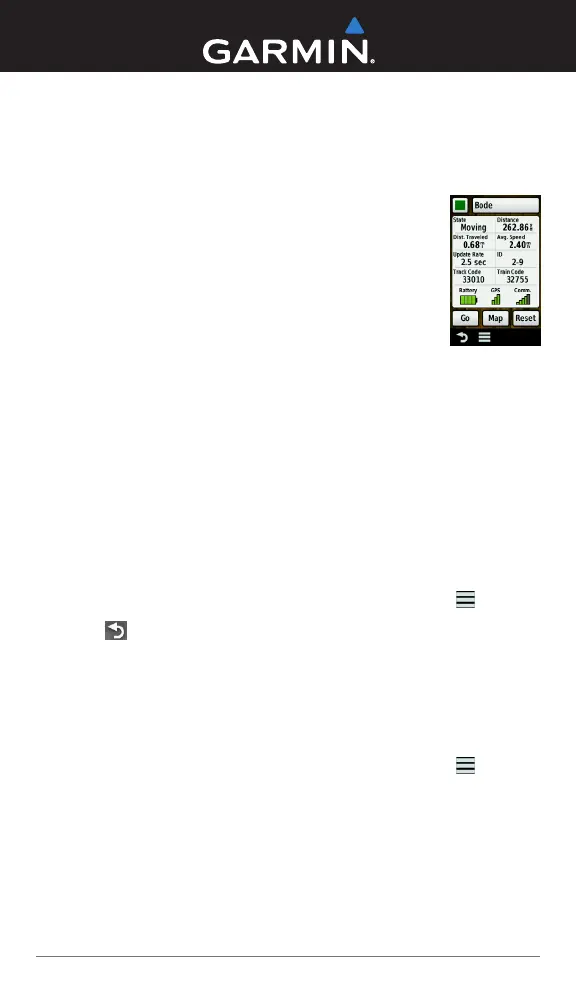
You can change the color of the
track on the map to match the collar
strap.
Select .
Select a dog.
Select
.
Select the
colored square
next to the dog’s
name.
Select a color.
You can select a longer duration for
the update rate to conserve battery
power.
Select .
Select a dog.
Select > >
.
Select a new update rate.
Select .
Select a dog.
Select > >
> .
When the collar battery life reaches
below 25%, the collar update rate is
automatically changed to once every
2 minutes.
© 2012 Garmin Ltd. or its subsidiaries www.garmin.com
Garmin
®
and the Garmin logo are trademarks of Garmin Ltd. or its subsidiaries, registered
in the USA and other countries. Alpha
™
and TT
™
are trademarks of Garmin Ltd. or its
subsidiaries. These trademarks may not be used without the express permission of Garmin.


 To Previous Page