10 Forerunner 110 Owner’s Manual
Data Management
The Forerunner is a USB mass storage
device. If you do not want to manage
your Forerunner les this way, you can
skip this section.
NOTE: The Forerunner is not
compatible with Windows
®
95, 98, Me,
or NT. It is also not compatible with
Mac
®
OS 10.3 and earlier.
Deleting History Files
notice
Your Forerunner memory contains
important system les and folders that
should not be deleted.
1. Connect the Forerunner to your
computer using the USB cable
(page 9).
Your Forerunner appears as a
removable drive in My Computer
on Windows computers and
as a mounted volume on Mac
computers.
2. Open the “Garmin” drive or
volume.
3. Open the “Activities” folder or
volume.
4. Highlight the les.
5. Press the Delete key on your
keyboard.
Disconnecting the USB Cable
1. Complete an action:
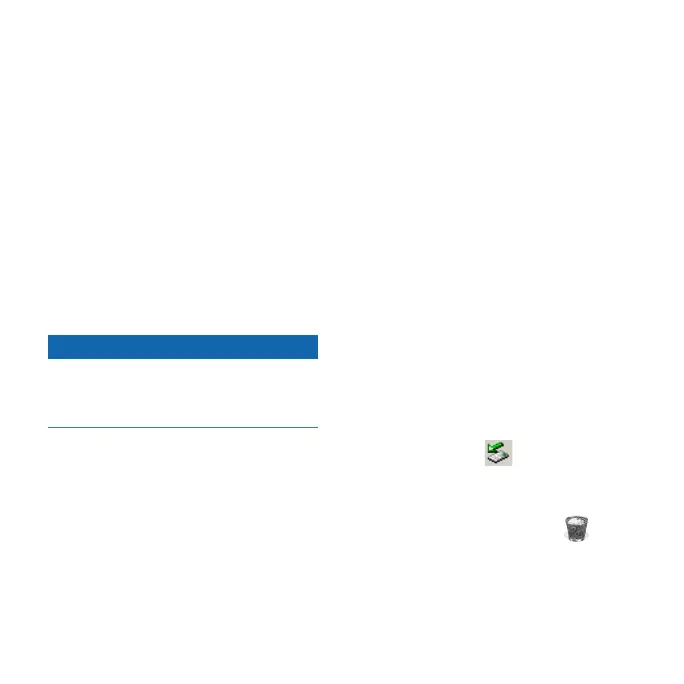
For Windows computers, click
the eject icon in your
system tray.
For Mac computers, drag the
volume icon to the Trash .
2. Disconnect the Forerunner from
your computer.
•
•














 To Next Page