4 Forerunner 110 Owner’s Manual
1. Plug the USB end of the cable into
the AC adapter.
2. Plug the AC adapter into a standard
wall outlet.
3. Align all four contacts on the back
of the Forerunner with the four
posts on the charging clip.
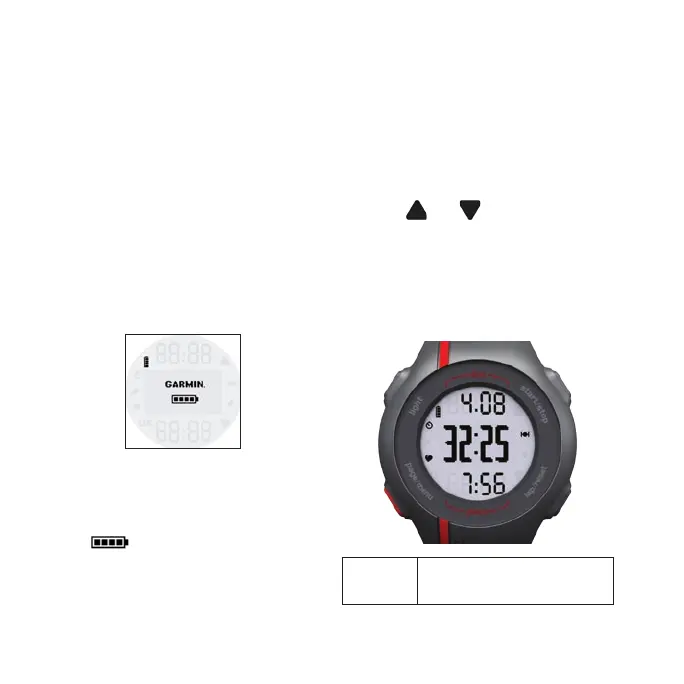
When you connect the Forerunner
to a power source, the Forerunner
turns on, and the charging screen
appears.
4. Charge the Forerunner completely.
When the Forerunner is fully charged,
the animated battery on the screen is
solid ( ).
Conguring the
Forerunner
The rst time you use the Forerunner,
you are prompted to choose your
system settings.
Press and to view choices
and change the default selection.
Press OK to make a selection.
Buttons
Each button has multiple functions.
light Press light to turn on the
backlight.
•
•














 To Next Page