NOTE: The optical sensor is located on the
back of the watch.
• See the owner's manual for more
information.
Charging the Watch
WARNING
This device contains a lithium-ion battery. See
the Important Safety and Product Information
guide in the product box for product warnings
and other important information.
NOTICE
To prevent corrosion, thoroughly clean and dry
the contacts and the surrounding area before
charging or connecting to a computer. Refer
to the cleaning instructions in the owner's
manual.
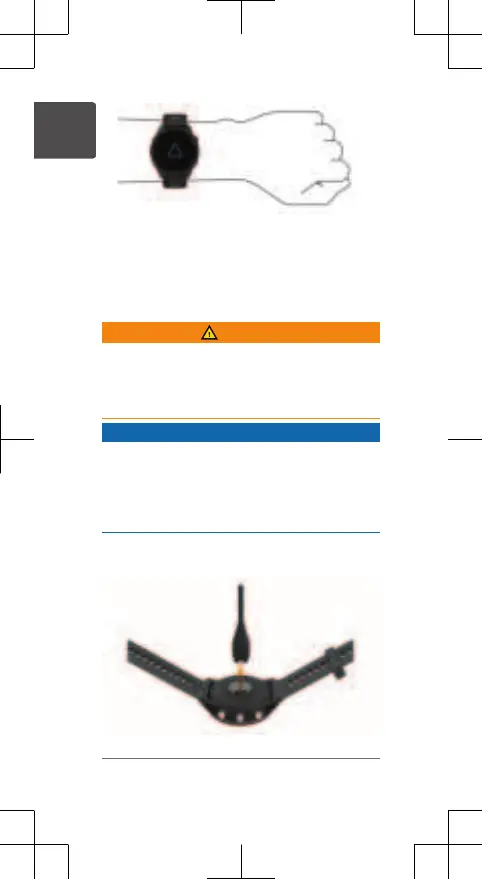
1 Plug the small end of the USB cable into
the charging port on your watch.
14 Quick Start Manual
EN















 To Next Page