4 Quick Release Instructions
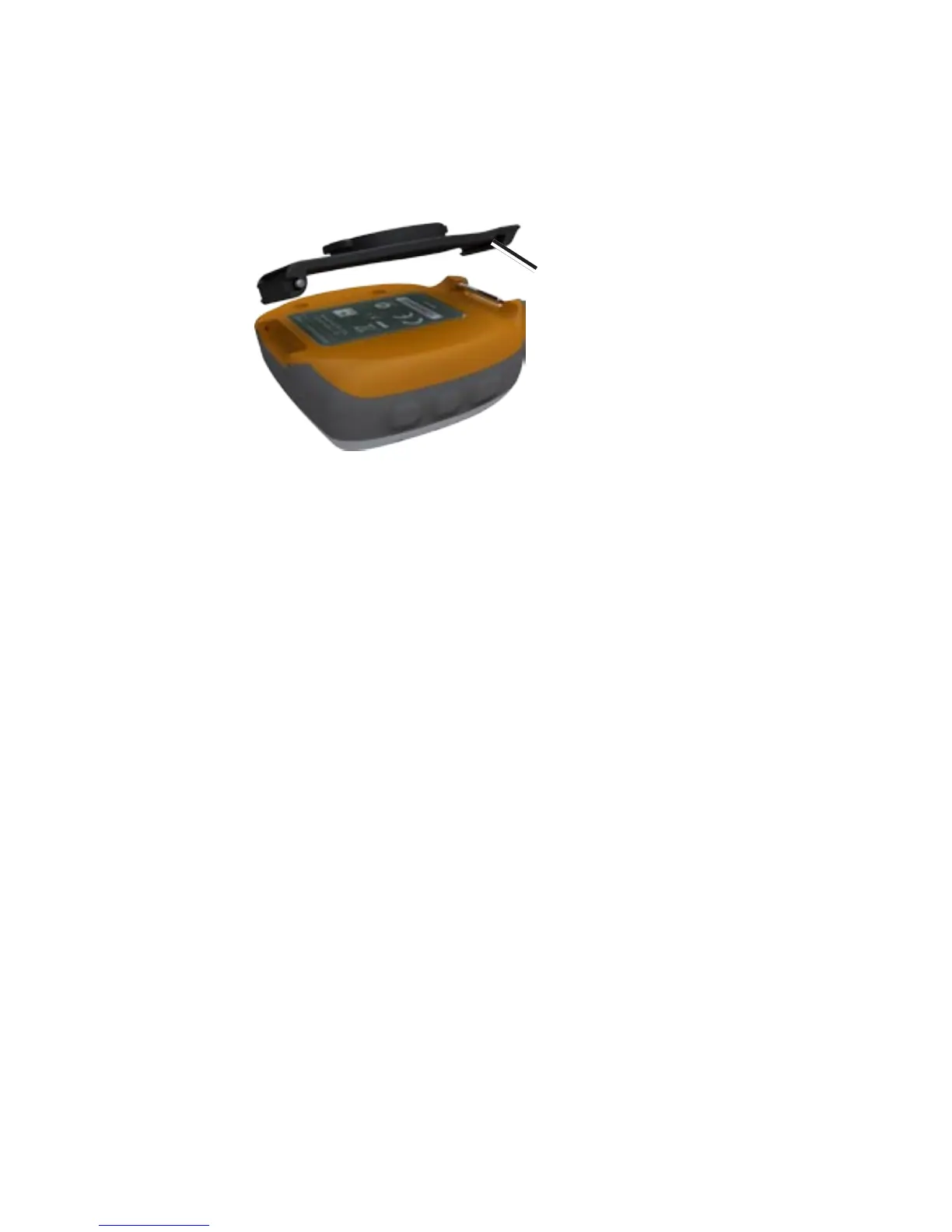
4. Slide the open end (bottom) of the quick
release bracket onto the bottom spring pin
of the Forerunner.
Quick release
bracket
5. Using the spring pin tool, install the top
spring pin of the quick release bracket
into the top slot of the Forerunner. Your
Forerunner and the bracket are now one
movable unit.
Step 3: �nstall the Bike
Mount
You can install the bike mount on any part of
your handlebars or on the stem. Ensure that
the Garmin unit is facing up for the best GPS
reception.
1. Place the bike mount on your handlebars or
stem.
2. Attach the bike mount securely using two
cable ties.















 To Next Page