3
Go outside, and wait while the device
locates satellites.
4
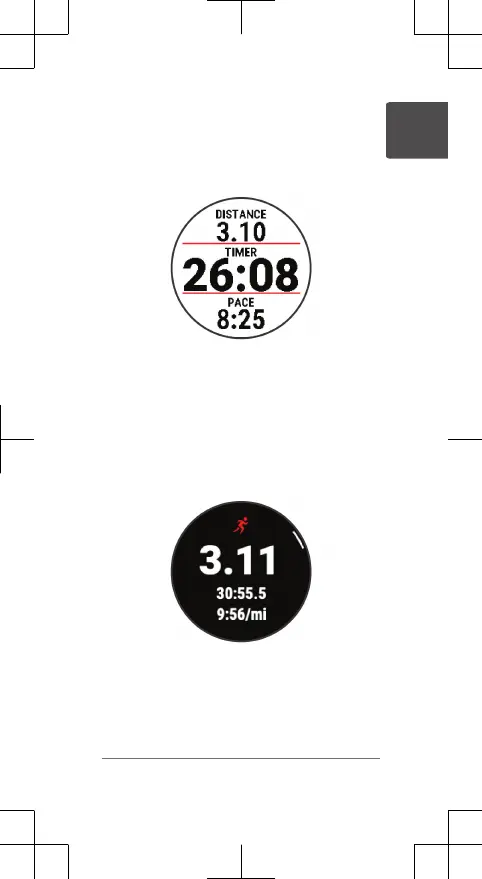
Select START to start the activity timer.
5
Go for a run.
6
After you complete your run, select STOP
to stop the timer.
7
Select an option:
• Select Resume to restart the timer.
• Select Save to save the run and reset
the timer. You can view a summary, or
select DOWN to view more data.
• Select Discard > Yes to delete the run.
Going for a Track Run
Before you go for a track run, make sure you
are running on a standard-shape, 400 m track.
Quick Start Manual 5
EN















 To Next Page