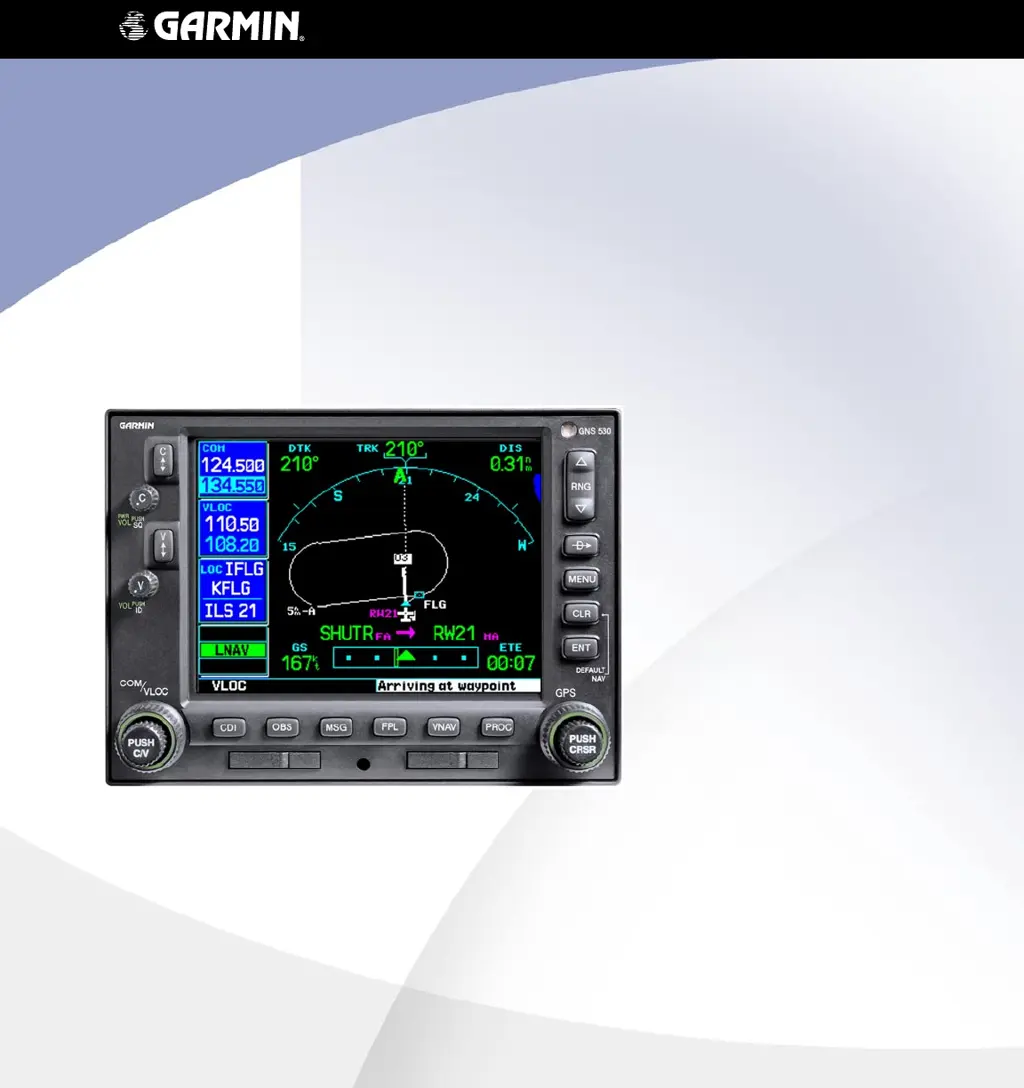
Why won't my Garmin GPS sequence to the next waypoint?
- MMichael PearsonAug 20, 2025
The Garmin GPS unit only sequences flight plan waypoints when automatic sequencing is enabled (i.e., no “OBS” or “SUSP” annunciation directly above the OBS key).
Why won't my Garmin GPS sequence to the next waypoint?
The Garmin GPS unit only sequences flight plan waypoints when automatic sequencing is enabled (i.e., no “OBS” or “SUSP” annunciation directly above the OBS key).
Why aren’t there any approaches available for my Garmin GPS flight plan?
If a destination airport does not have a published approach, the Garmin GPS unit indicates “NONE” for the available procedures — as listed on the Airport Approach Page.
How to troubleshoot power issues with Garmin Marine GPS System 500W Series unit?
If your Garmin Marine GPS System 500W Series unit does not power on, the issue might be a lack of power to the main connector P5001. Ensure that power is connected to the main 78-pin connector P5001, specifically pins 19 and 20, and that the ground is connected to P5001, pins 77 and 78. Also, inspect the circuit breakers and the main avionics switch to confirm they are functioning correctly.
What to do if my Garmin Marine GPS System 500W Series unit does not compute a position?
If the Garmin Marine GPS System 500W Series unit does not compute a position, it could be due to not receiving signals. Check the GPS antenna connections and ensure the aircraft is clear of obstructions such as hangars, buildings, and trees. If that doesn't work, wait 20 minutes for the unit to complete its cycle.
Why are the GPS signal levels very low on my Garmin Marine GPS System?
If the Garmin Marine GPS System signal levels are very low, there might be an improper antenna installation or coax routing. Check the GPS antenna installation, connections, and cable routing, ensuring the GPS antenna is mounted on top of the aircraft. Also, ensure that the aircraft is clear of hangars, buildings, trees, etc. Another potential cause is RF interference at 1575.42 MHz from VHF COM. Try moving the GPS antenna further from the COM antenna, adding a 1575.42 MHz notch filter in COM coax, fixing or replacing the COM, or disconnecting the ELT antenna coax to check for possible re-radiation.
What causes a Garmin Marine GPS System 500W Series unit to not transmit?
If your Garmin Marine GPS System 500W Series unit does not transmit, verify that the PTT (mic key) input is pulled low for transmit. Also, ensure that power input is connected to the COM 25-pin connector P5002 11 and 12 and ground to P5002 21 and 22. Finally, check that the input supply voltage is >12VDC (>24VDC for 530AW models); increase it if necessary.
Why do GPS signal levels drop when avionics are turned on in my Garmin Marine GPS System?
If you notice GPS signal levels dropping when avionics are turned on in your Garmin Marine GPS System, it's likely due to noise interference from other avionics. To resolve this, turn all avionics off, then turn them on one at a time to identify the source of the interference. Additionally, route the GPS cable and position the GPS antenna away from these interference sources.
Why is the autopilot not getting GPSS/Roll Steering data from my Garmin Marine GPS System 500W Series unit?
If the Autopilot is not getting GPSS/Roll Steering data from the Garmin Marine GPS System 500W Series unit, first ensure that the 500W Series unit has acquired a GPS position and a flight plan is entered. Then, check the ARINC 429 output port setting for the port that the autopilot is connected to. Also, verify that the ARINC 429 output port speed setting is correct for the autopilot. Check the wiring, ensuring it is connected to the main GPS 429 output. Finally, ensure that groundspeed is provided if required by the autopilot.
What to check if an ARINC 429 device isn't receiving data from my Garmin Marine GPS System 500W/GNS 530W?
If an ARINC 429 device is not receiving data from the Garmin Marine GPS System 500W/GNS 530W, check the ARINC 429 output port setting for the port that the device is connected to. Also, check the ARINC 429 output port speed setting for the port that the device is connected to and verify that the speed is correct for that device. Finally, check the wiring connections.
What should I do if the RMI pointer on my Garmin Marine GPS System does not indicate correctly?
If the RMI pointer does not indicate correctly on your Garmin Marine GPS System, check the OBI source selection on the Main CDI/OBS Config page. Also, check the wiring connections.
Explanation of the primary functions of each button and knob on the unit.
Description of the primary navigation display and its customizable data fields.
Procedure for setting a direct course to a destination waypoint.
Steps for creating, editing, and activating flight plans.
Guidance on flying GPS and non-precision instrument approaches.
Instructions for executing a missed approach procedure.
Answers to common questions and troubleshooting guidance.
Explanation of the primary functions of each button and knob on the unit.
Description of the primary navigation display and its customizable data fields.
Procedure for setting a direct course to a destination waypoint.
Steps for creating, editing, and activating flight plans.
Guidance on flying GPS and non-precision instrument approaches.
Instructions for executing a missed approach procedure.
Answers to common questions and troubleshooting guidance.