A
B
Main Menu Page
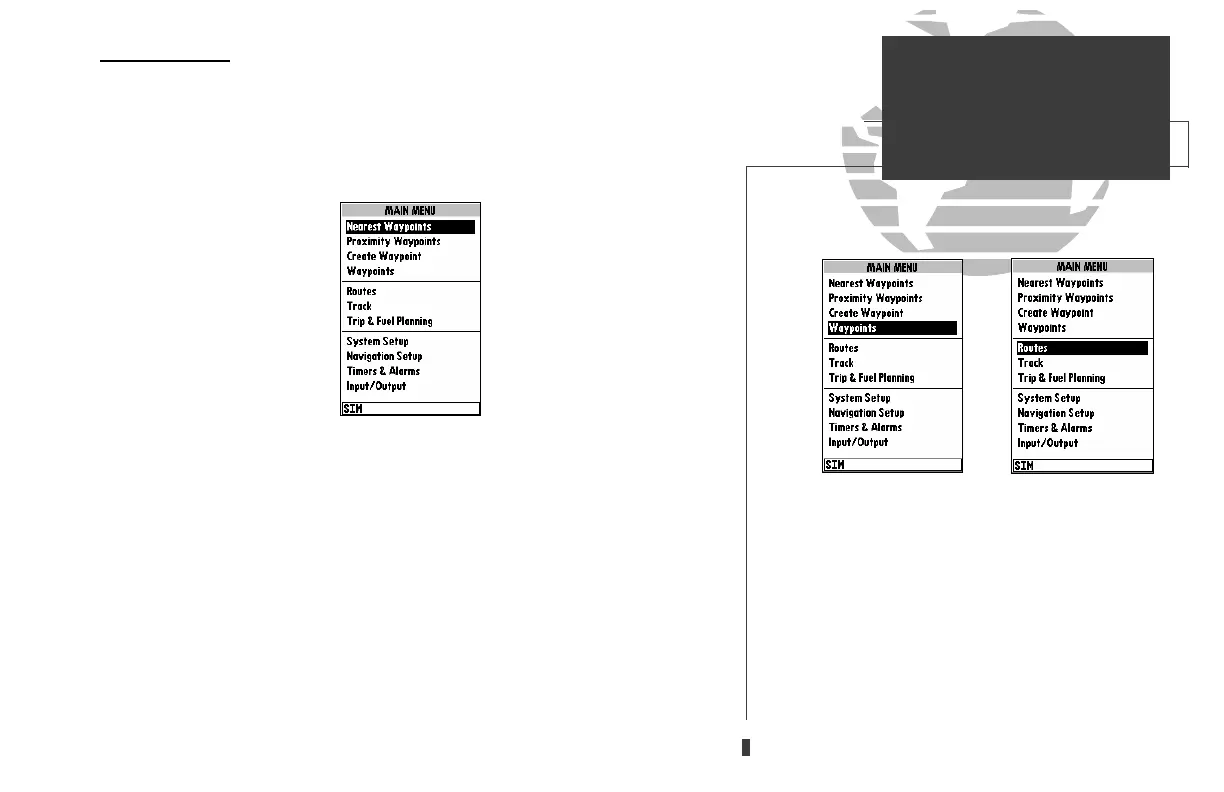
The GPSMAP 230’s Main Menu Page provides access to various waypoint, sys-
tem, navigation, and interface management and setup menus. The Main Menu Page
is available from any page in the GPSMAP 230’s system, and is accessed through
the
O
key.
To access the Main Menu Page:
1. Press
O
twice.
The 11 submenus are divided into categories by function.
To select a submenu from the Main Menu Page:
1. Highlight the submenu you want to view and press
T
.
For specific instructions on using a submenu, see the waypoints, route, or setup
sections of this manual.
33
A. The waypoint category options on the Menu Page
are described in the ‘Waypoints’ section on pages
34-42.
B. The routes category options are described on pages
47-54.
SECTION
5
MAIN MENU PAGE
Overview
update on 230.qxd 1/12/00 11:22 AM Page 33













 To Next Page