4
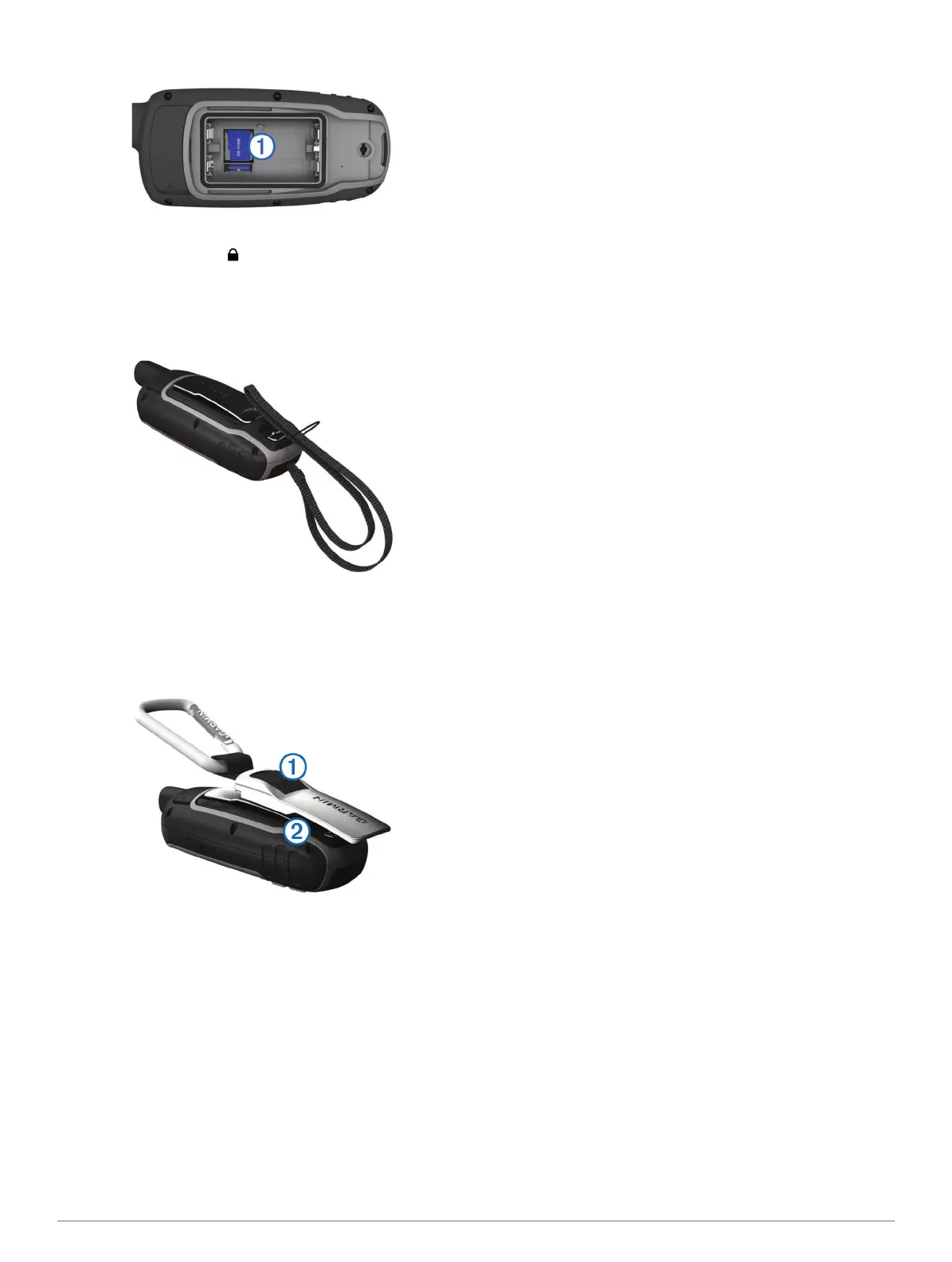
Place the memory card with the gold contacts facing down.
5
Close the card holder.
6
Slide the card holder to to lock it.
7
Replace the battery and cover.
Attaching the Wrist Strap
1
Insert the loop of the wrist strap through the slot in the
device.
2
Thread the other end of the strap through the loop, and pull it
tight.
Attaching the Carabiner Clip
1
Position the carabiner clip
À
in the slots on the mounting
spine
Á
of the device.
2
Slide the carabiner clip up until it locks in place.
Removing the Carabiner Clip
Lift up on the bottom of the carabiner clip, and slide the
carabiner clip off the mounting spine.
5














 To Next Page