Getting Started
WARNING
See the Important Safety and Product
Information guide in the product box for
product warnings and other important
information.
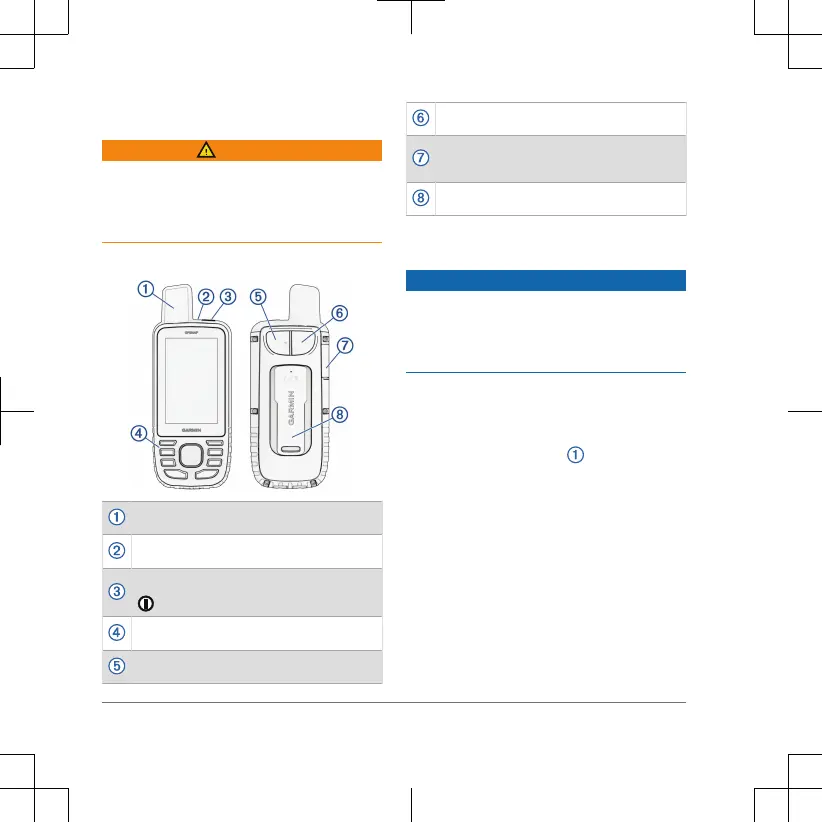
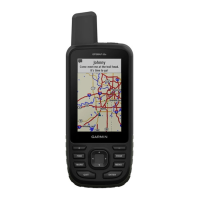
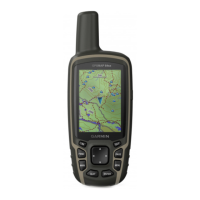
GPSMAP 67 Device Overview
GNSS antenna
Status LED
Power button
Buttons
USB port (under weather cap)
Flashlight
microSD
®
card slot (under weather
cap)
Mounting spine
Charging the GPSMAP 67 Device
NOTICE
To prevent corrosion, thoroughly dry
the USB port, the weather cap, and
the surrounding area before charging or
connecting to a computer.
NOTE: The device does not charge when
it is outside the approved temperature
range (page10).
1 Lift the weather cap .
2 Quick Start Manual



 To Next Page