GTM 21 Instructions EN–3
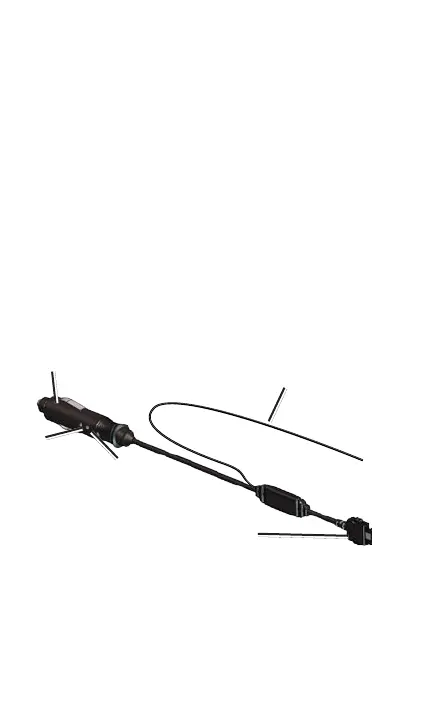
Connecting Your GTM 21
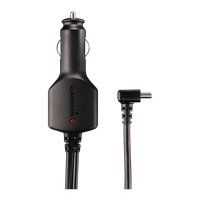
1. Remove the vehicle power cable from your
Garmin GPS.
2. Connect the cable on the GTM 21 to the
power connector on your Garmin GPS.
3. Plug the other end into a power outlet in
your vehicle.
4. Use the suction cups to route the antenna
vertically on the windshield. We recommend
routing it a few inches away from, and
parallel to, the A-pillar.
Route on windshield using
the suction cups.
To power connector
on Garmin GPS
To power outlet
in vehicle
Power
LED
Status
LED
Antenna
5. Route the cable so that it does not interfere
with vehicle operating controls.






 To Next Page