Installing the Out-Front Mount
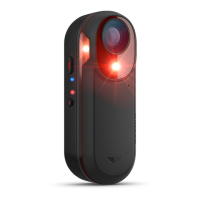
You can use the out-front mount to install the headlight and your Edge
®
device. Garmin recommends that you
adjust the mount for the Edge viewing angle before you install and adjust the headlight angle.
1 Select a secure location to mount the Edge device and headlight where they do not interfere with the safe
operation of your bike.
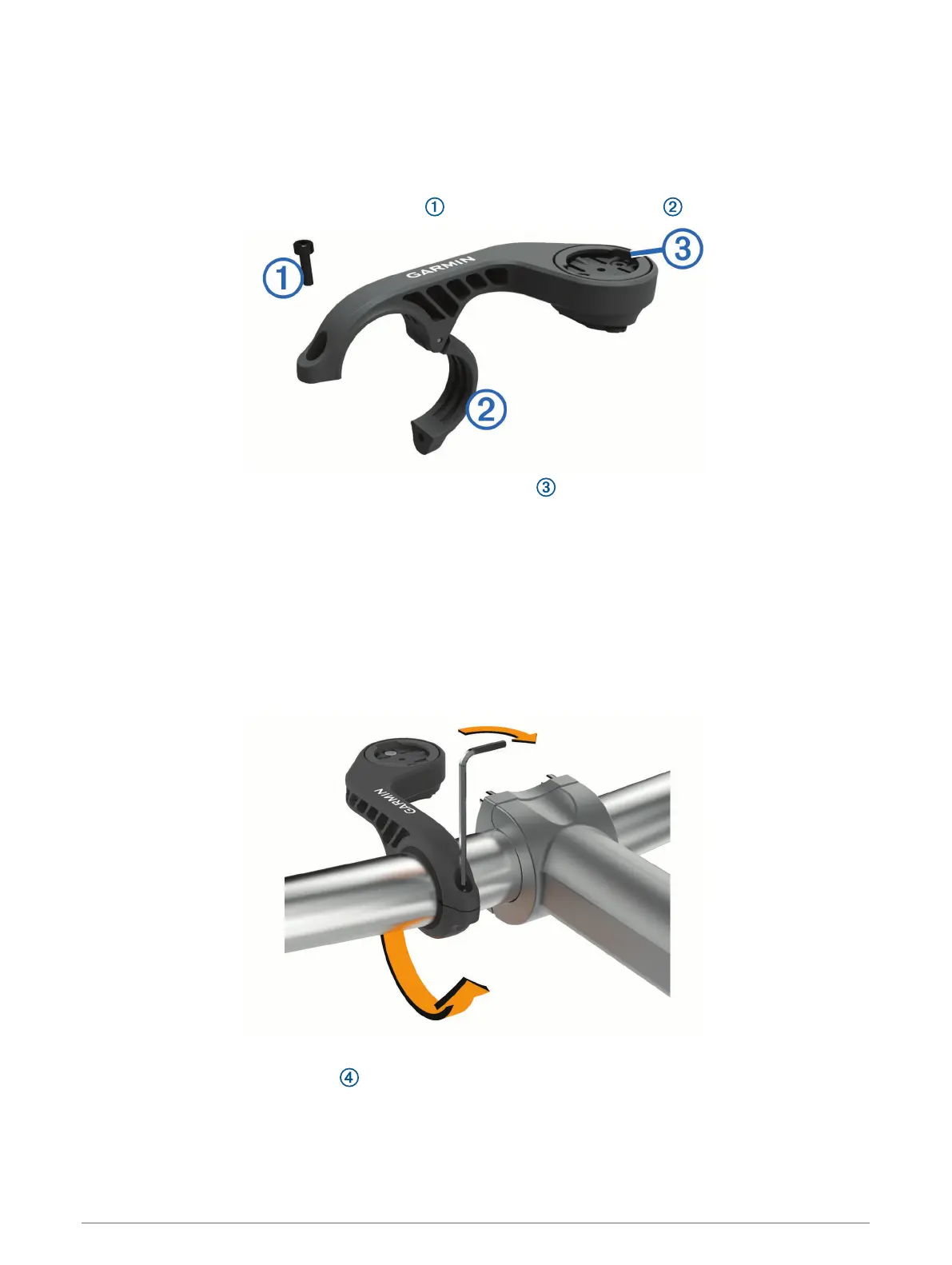
2 Use the 2.5 mm hex key to remove the screw from the handlebar connector .
3 If necessary, remove the two screws on the top of the mount , rotate the connector, and replace the
screws to change the orientation of the mount for an Edge device.
4 Place a rubber pad around the handlebar:
• If the handlebar diameter is 25.4 mm, use the thicker pad.
• If the handlebar diameter is 31.8 mm, use the thinner pad.
5 Place the handlebar connector around the rubber pad.
NOTE: You should align the contours on the rubber pad with the grooves on the inside of the handlebar
connector.
6 Replace the screw, and use the 2.5 mm hex key to tighten the screw.
NOTE: You should check the tightness of the screw periodically.
7 Install the Edge device, and adjust the mount (optional).
8 Connect the quarter-turn adapter to the headlight.
2 Introduction


 To Next Page
 Loading...