EasyManua.ls Logo

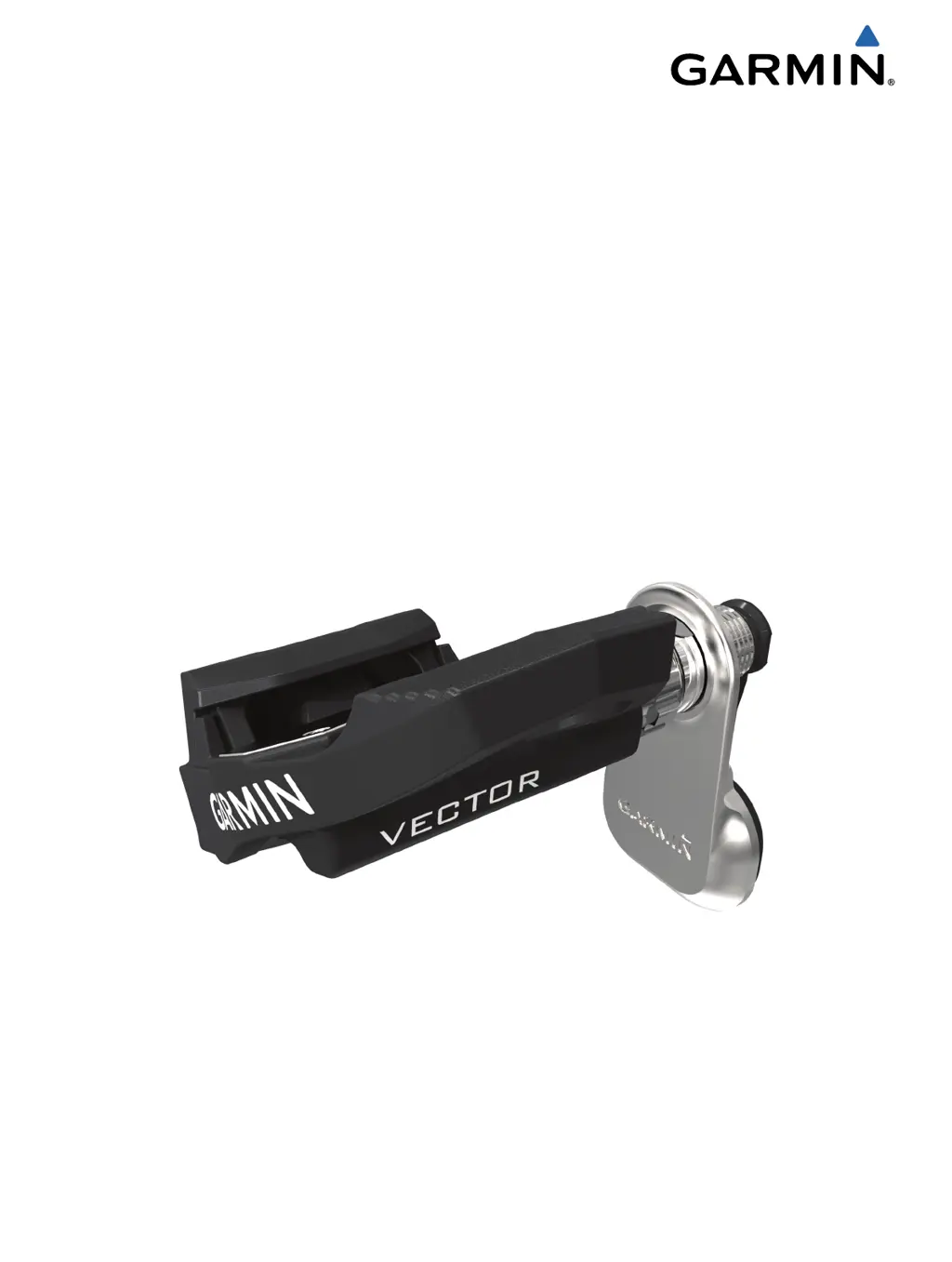
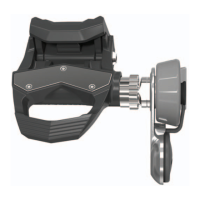
Garmin Vector - User Manual

Garmin Vector
12 pages
Print Icon
To Next Page IconTo Next Page
Loading...
Vector
Owner’s Manual
August 2013 190-01450-00_0A Printed in Taiwan

Other manuals for Garmin Vector

Questions and Answers

  • P
    Pamela HughesJul 26, 2025
    What to do if the Garmin Vector pedal pod cable rubs the chain?
    • M
      Michael TaylorJul 26, 2025
      To prevent the Garmin GPS pedal pod cable from rubbing against the chain, you can add washers between the pedal pod and the crank arm to increase the clearance.

Summary

Introduction and Getting Started

Installing Vector Components

Instructions for preparing crank arms and managing pedal pod clearance.

Installing Pedals and Pods

Step-by-step guide for attaching pedals and pods to the crank arm.

Installation and Initial Setup

Pairing with Edge Device

Steps to connect Vector pedals to Garmin Edge cycling computers.

Training and Data Management

Pedal-Based Power

Explains how Vector measures and reports power data.

Battery and Device Compatibility

Replacing Pedal Pod Battery

Step-by-step instructions for replacing the battery in the pedal pod.

Troubleshooting and Updates

Updating Software

Guide for updating Vector firmware using the Vector Updater software.

Garmin Vector Specifications

General IconGeneral
Product colorBlack, Red
Housing material-
Compatible productsGarmin Vector 2/S//2S
Quantity per pack2 pc(s)

Related product manuals