17
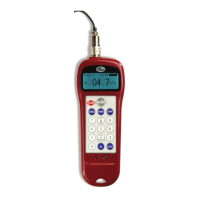
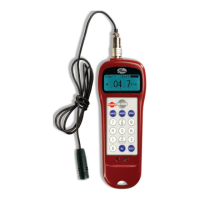
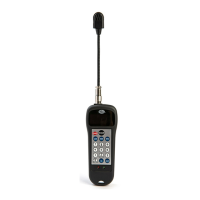
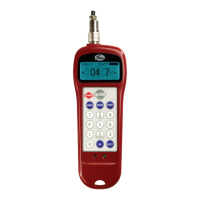
Sonic Tension Meter
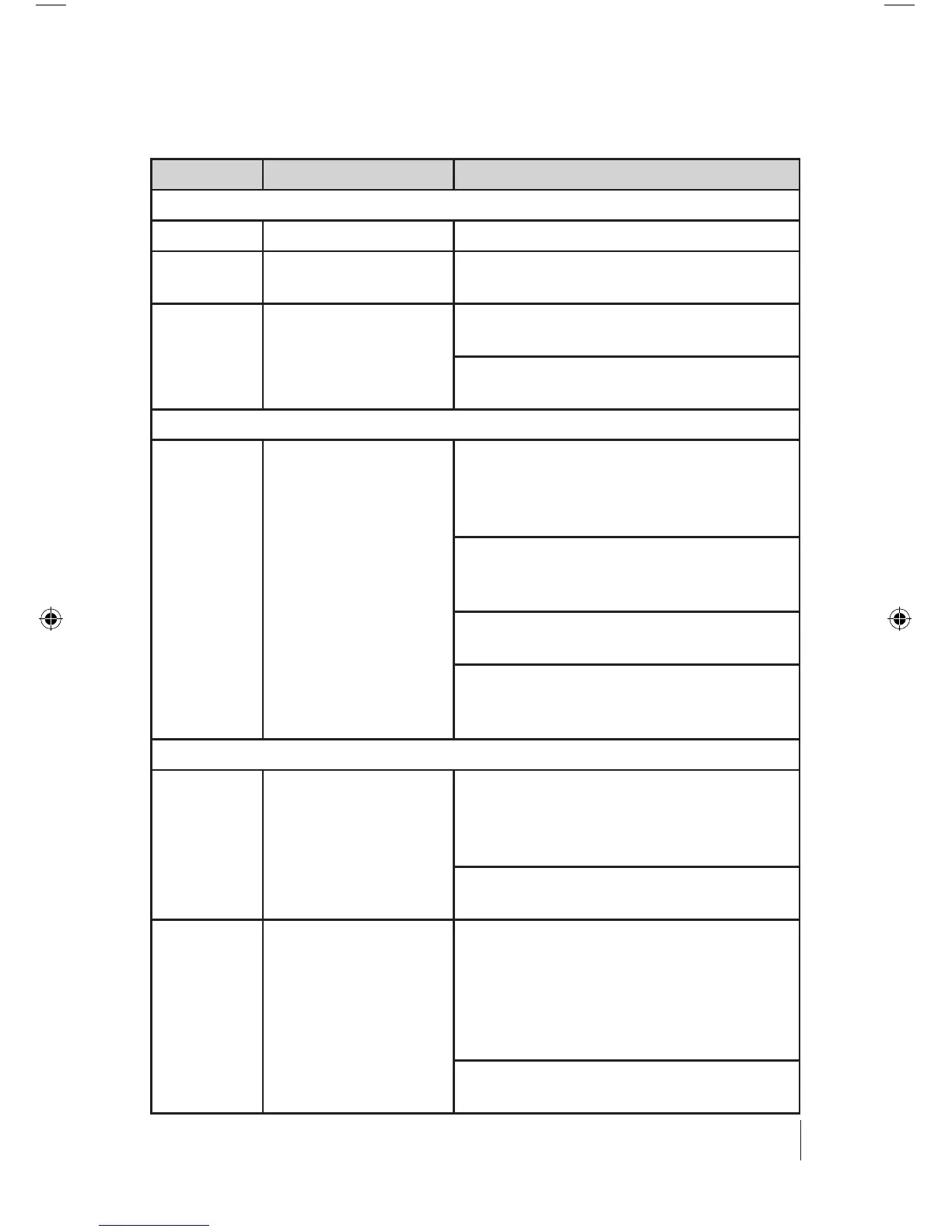
Troubleshooting Guide
Symptom Cause To Correct
Meter Won’t Turn On
Batteries are dead Replace Batteries
Battery contacts
are corroded
Clean contacts and replace batteries
Meter has sus-
tained damage
Consider meter repair or replace-
ment
Gates certification / evaluation /
repair service
Don’t Know What Reading Is Correct For Belt Drive
Meter measures
belt tension but
does not indicate if
it is correct
Determine correct belt tension level
using the Design Flex Pro, Design
Flex Mobile, or Design IQ applica-
tions
Determine correct belt tension level
from engineering equations in Gates
Drive Design Manual
Establish proper belt tension level
based on knowledge and experience
All Gates design tools are available
at
www.gates.com/drivedesign
Don’t Know What Constants To Enter
Mass Constant Mass constants for all Gates belt
sections are available on the data
card and Users Manual provided
with the Sonic Tension Meter
The appropriate Mass constant is
provided on drive design printouts
Width Constant Width represents the width of
synchronous belts in mm or the
number of V-belt strands/ribs being
measured at once (enter “1” if the
tension of only one belt within a set
is being measured at a time)
The appropriate Width constant is
provided on drive design printouts
SonicTensionMeter_Manual_4_14.indd 17 4/26/14 9:09 AM


 To Next Page